FreeWave Technologies Spread Spectrum Transceiver User Manual
900 MHz and 2.4 GHz
V5.0S
30
(0) FreqKey
Selection (0) in the Radio Parameters menu allows the user to modify the hopping
patterns of the Transceivers to minimize the interference with other FreeWave
Transceivers in operation in the area. For instance, if there were 10 pairs of
FreeWave transceivers in operation within a factory or refinery, changing the
Frequency Key would ensure that they would not jump onto the same frequencies
at the same time for the same length of time.
There are 15 choices available for the Frequency Key (0-9 and A-E), representing
15 different pseudo-random patterns.
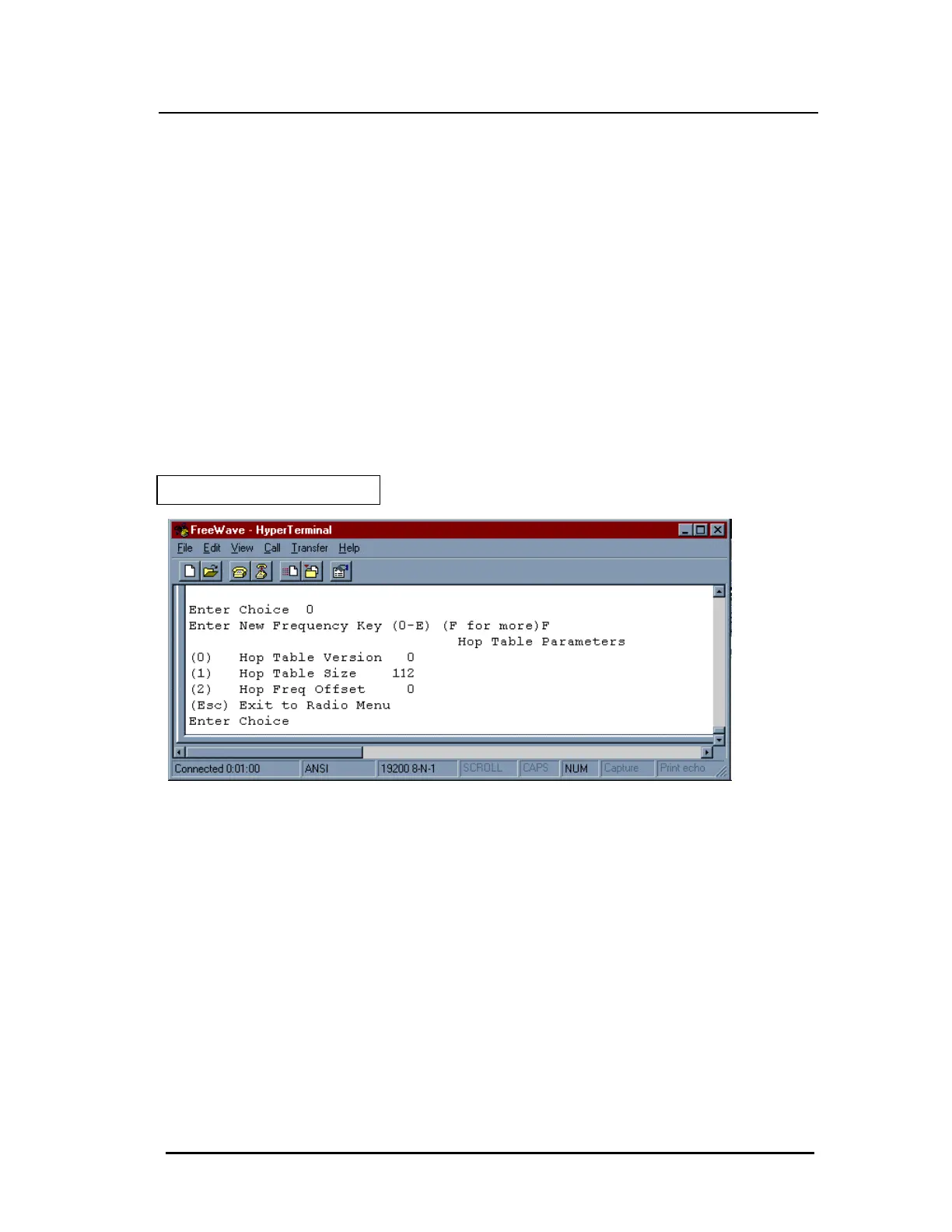
A selection of F provides additional options to use different portions of the 902-928
MHz band.
Figure 10: Hop Table Parameters



 To Next Page