P a g e | 14 of 40
FREMCO A/S
ELLEHAMMERVEJ 14 | DK9900 FREDERIKSHAVN, DENMARK | VAT NO.: DK30815416
TELEPHONE +45 7230 1213 | SALES@FREMCO.DK | WWW.FREMCO.DK
10.2. RUNNING THE FIBER BLOWING MACHINE
• Prepare the fiber cable and place it inside the
fiber blowing machine. Adjust the drive wheels
until they are tight around the fiber cable
• Place the microduct, which the fiber cable is to
be blown into, in the blowing junction block
• Close the lid and tighten the screws on top
• On the TOUCH screen:
• Set the desired speed (m/min)
• Set the torque level to the desired
maximum
• OPTIONAL: The pre-set meter counter can
be used to stop the machine after a given
distance (set to “0” and the machine will
continue indefinitely)
• Press the ON/OFF button, and the machine will
accelerate to the pre-set maximum speed
After 10-20 meters, turn on air. Gradually increase
air supply as the blowing is proceeding.
• The blowing is now running automatically
• If the machine stops unintentionally, there are
two adjustable parameters:
• increase air supply
• or reduce speed if there is no more air
pressure
• Stop the machine, either manually or when
reaching the pre-set distance
• Turn off air
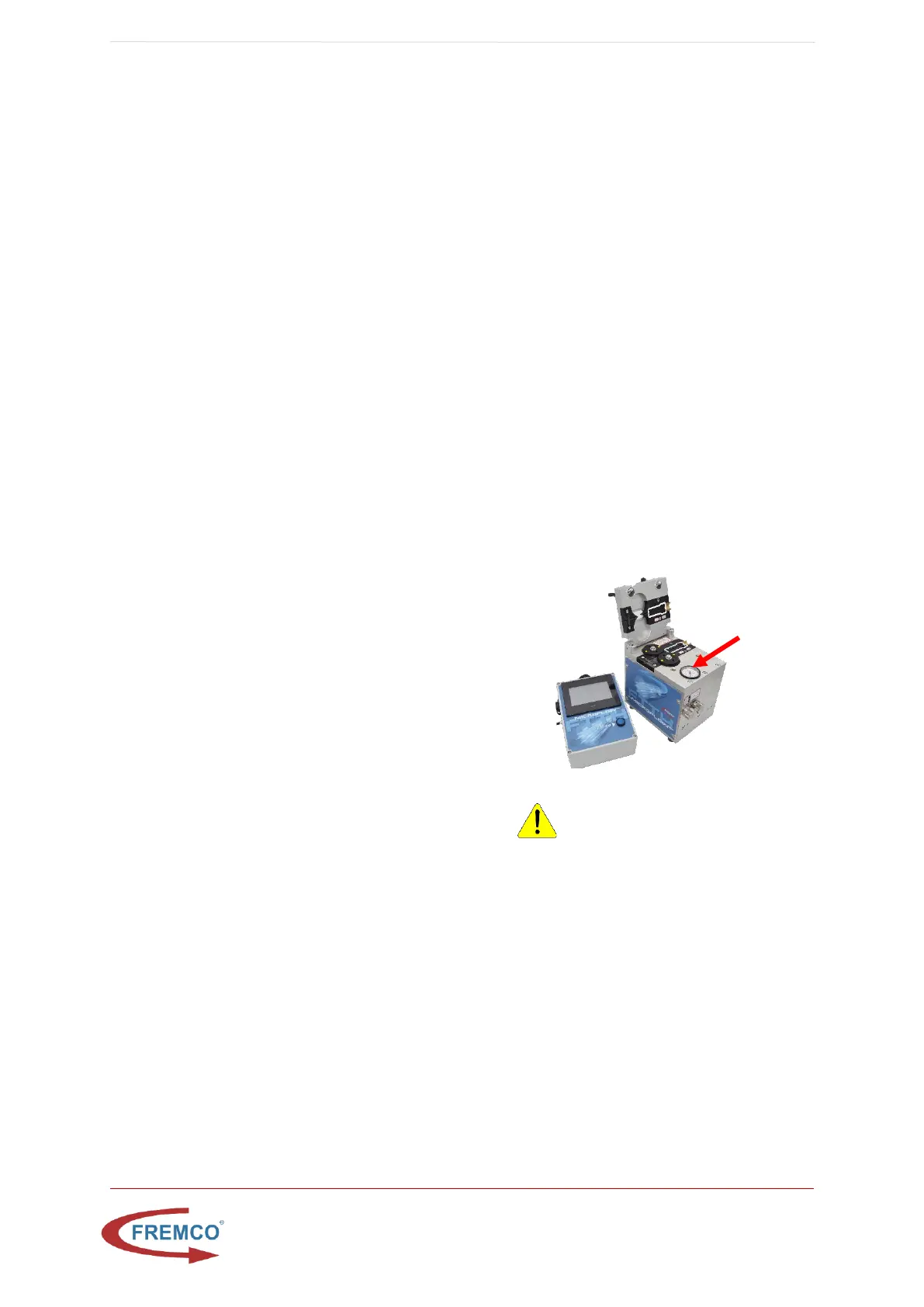
• The lid can be opened when the air pressure
gauge is at “0” bar/psi
WARNING: Do not open the
machine while under pressure, as this
may damage the machine and cause
personal injury.


 To Next Page