P a g e | 21 of 40
FREMCO A/S
ELLEHAMMERVEJ 14 | DK9900 FREDERIKSHAVN, DENMARK | VAT NO.: DK30815416
TELEPHONE +45 7230 1213 | SALES@FREMCO.DK | WWW.FREMCO.DK
11.2. RUNNING THE FIBER BLOWING MACHINE
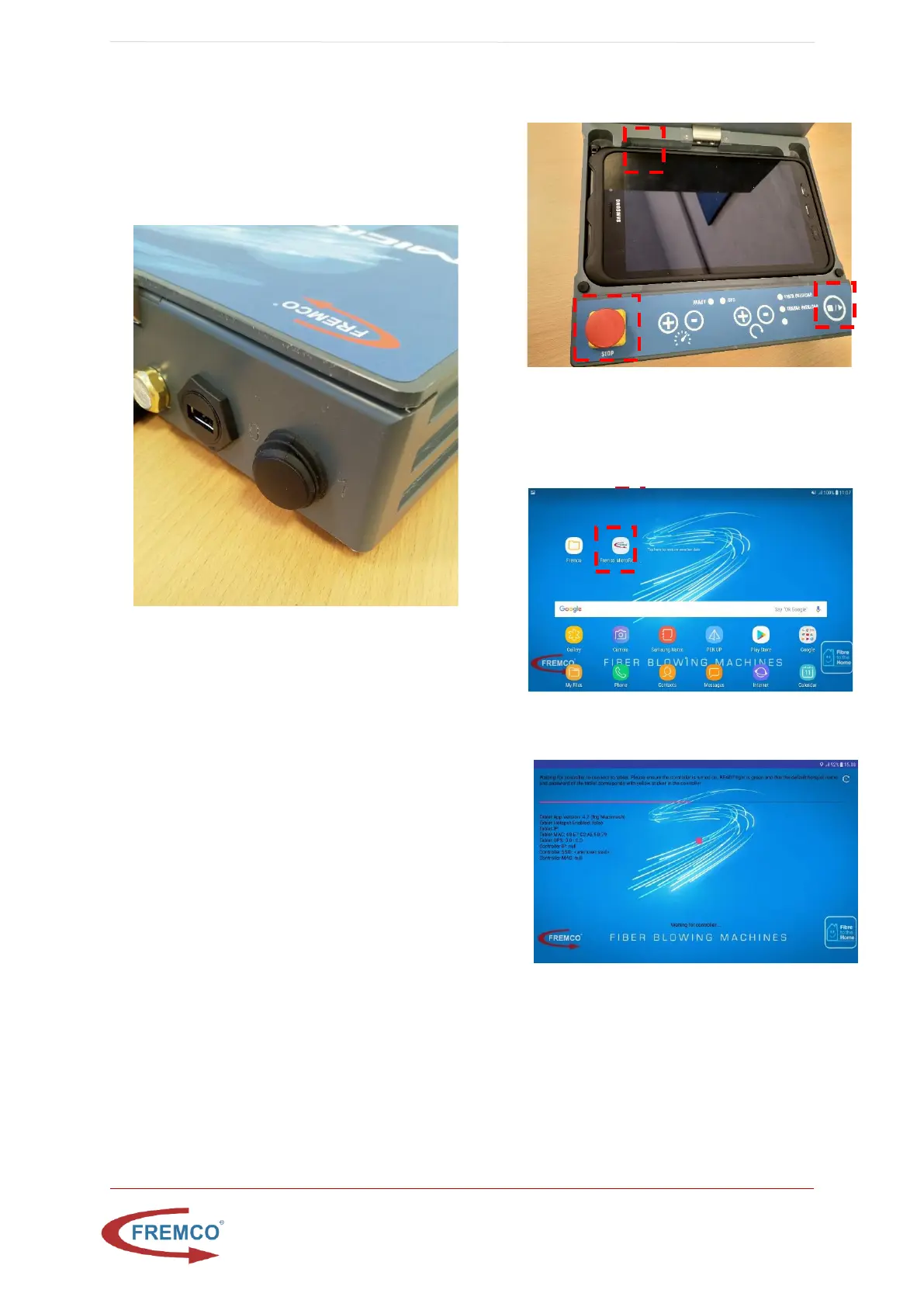
• Turn on the controller by switching power
button to 1. (located at the back, in top left
corner of the controller)
• Prepare the fiber cable and place it inside the
fiber blowing machine. Adjust the drive wheels
until they are tight around the fiber cable
• Place the microduct, which the fiber cable is to
be blown into, in the blowing junction block
• Close the lid and tighten the screws on top
• On the Controller:
• Wait for green light in “READY” and make
sure that stop button is not pressed
• OPTIONAL: Turn on the tablet in top left
corner and press the Fremco Microflow
LOG shortcut on the tablet start screen.
o Wait for controller to connect


 To Next Page