P a g e | 33 of 40
FREMCO A/S
ELLEHAMMERVEJ 14 | DK9900 FREDERIKSHAVN, DENMARK | VAT NO.: DK30815416
TELEPHONE +45 7230 1213 | SALES@FREMCO.DK | WWW.FREMCO.DK
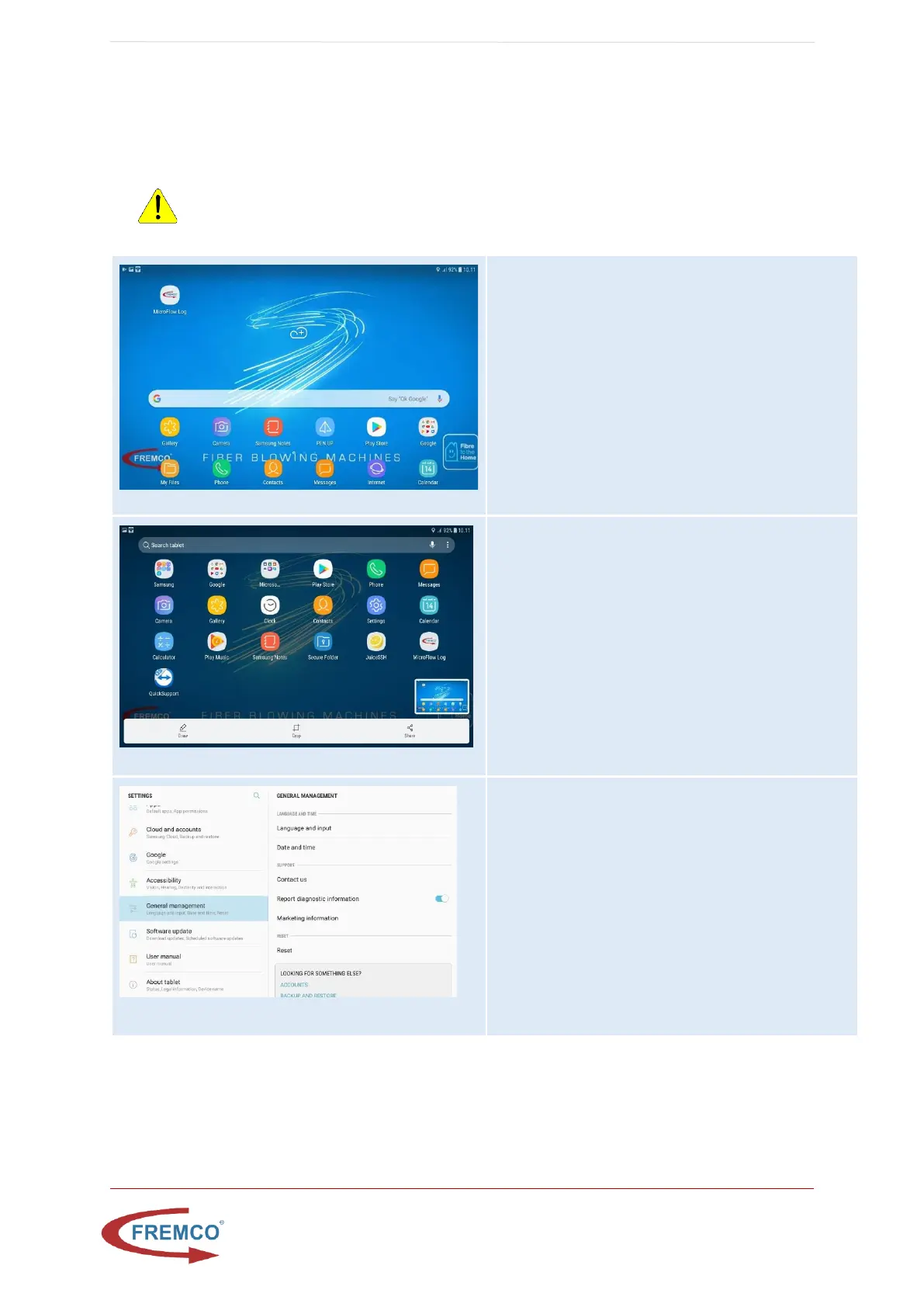
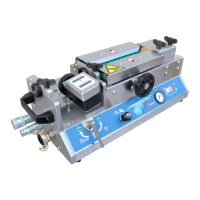
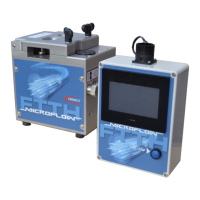
11.6. RESET TABLET TO FACTORY DEFAULT
Please note: Only do this at a location with internet enabled WiFi. The tablet will fetch its Fremco specific
setup online.
WARNING: All data on the tablet will be lost


 To Next Page