19
5.2 Operator’s Pass
IMPORTANT ! The operator pass can only be read in with the documen-
tation switched on
Your FRIAMAT
®
model can be set for use with an operator pass by reading in
the bar code from an operator pass. The operator pass can be ordered from
FRIATEC. When a user code has been read in for the first time all fusions
which are then carried out will be saved under the code for this operator
pass. If another operator pass is read in your FRIAMAT
®
model will be
switched over to suit.
Your FRIAMAT
®
model can be cleared for use without an operator pass by
reading in the USER OFF bar code (see plastic card in the accessories
pouch). The question “Deactivate operator?” then appears. This can be
confirmed by pressing the START button or the process can be broken off by
pressing the STOP button.
IMPORTANT ! By means of the operator pass your FRIAMAT
®
model
can be blocked to protect it from unauthorised use. .
After reading in the current operator pass again the
query will appear “Block the unit?”. This can be confirmed
by pressing the START button or the process can be
broken off by pressing the STOP button. Your FRIAMAT
®
model will be automatically blocked when the code for an
operator pass is on file and time-wise a change of date
takes place i.e. your FRIAMAT
®
model will be blocked on
the next day.
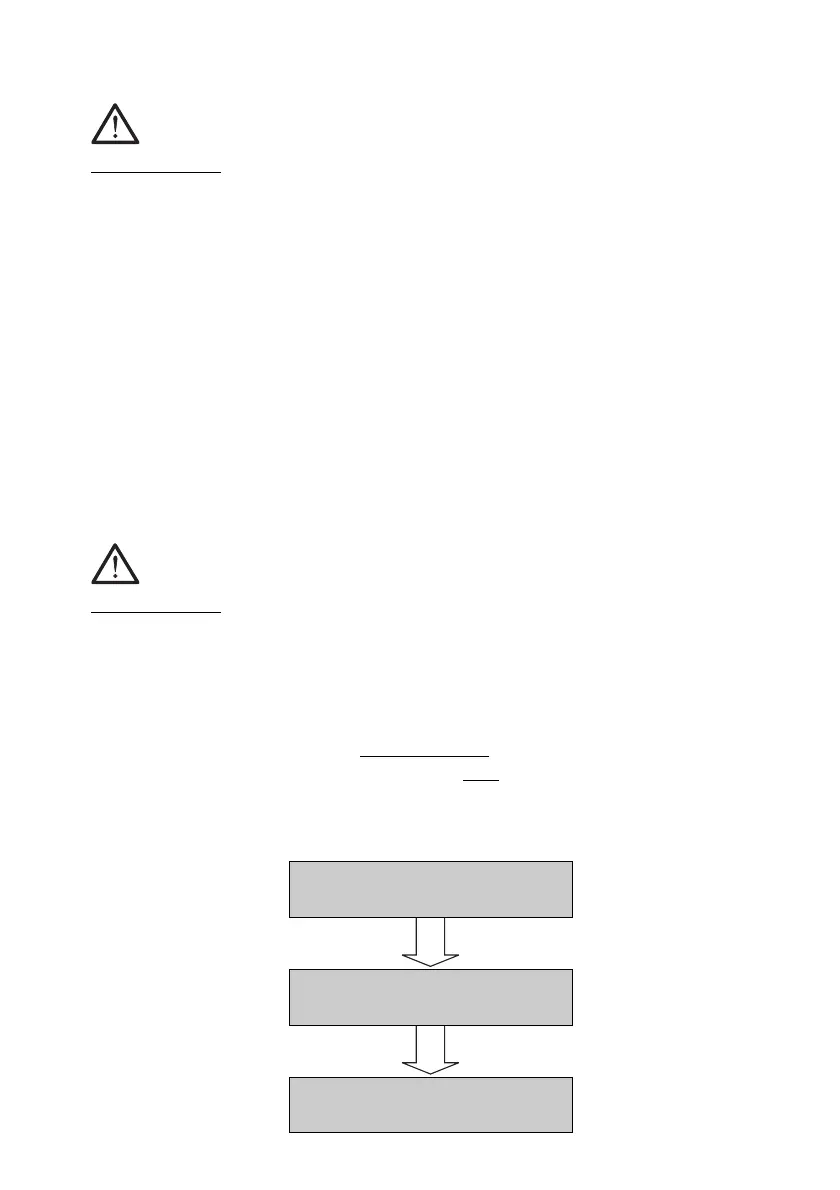
Deactivate
operator ?
Block the
unit ?
Read in
operator



 To Next Page