24
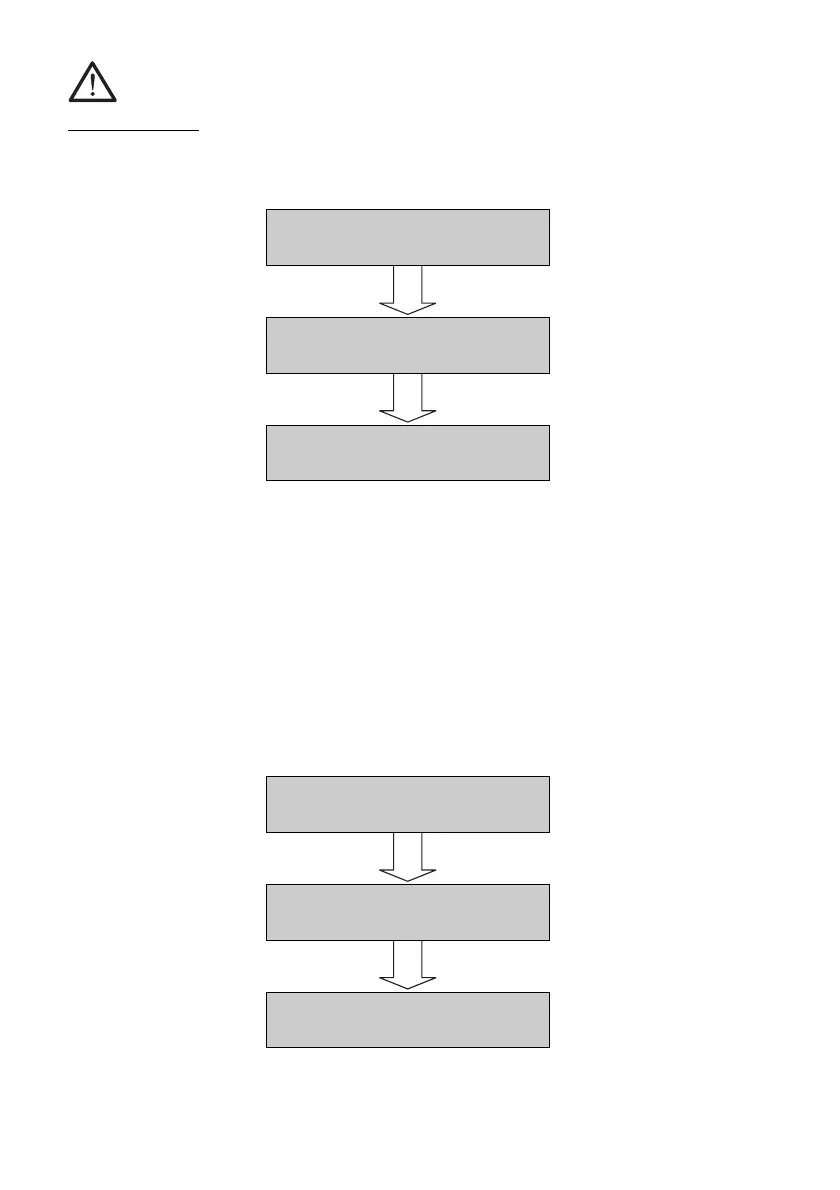
IMPORTANT ! If the START button is pressed the data will be irretrievably
deleted ! If the STOP button is pressed the data will not
be deleted !
5.5.2 Printing out and deleting individual commission numbers
Go into the “Print” setting menu as described in Section 5.5.1. Pressing the
STOP button will display the first commission number. The commission
number displayed can be printed by pressing the START button and then the
query will appear on whether the data is to be deleted. Pressing the START
button will delete the data, pressing the STOP button will bypass the delete
function and the next commission no. will be displayed. This procedure can
be broken off with the RES button.
Delete
Are you sure ?
Print
All None Selection
Print
All None Selection
12 Dossenheimer Way
Delete Next
12 Dossenheimer Way
Print Next
Print
All None Selection



 To Next Page