QUANTUM™ LX/HD SYSTEM INTERFACE PANEL
INSTALLATION-OPERATION-MAINTENANCE
090.030-IOM (OCT 13)
Page 14
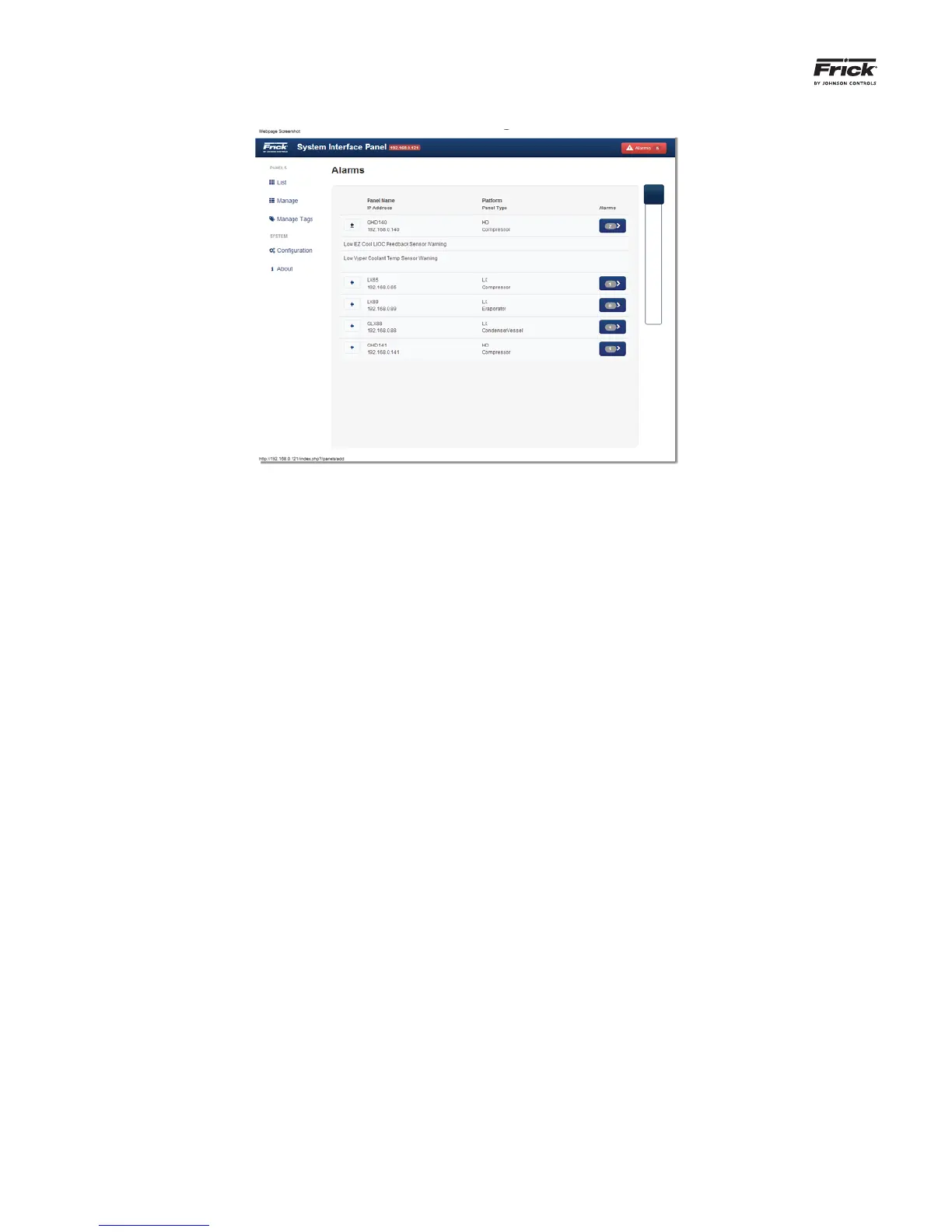
ALARM page
The Alarm Page can be accessed from any page by simply
selecting the red button in the upper right corner. If no alarms
are present within the system, that Alarms button will show
zero, otherwise, the number of active alarms will be shown
within the button.
All confi gured panels will be listed on this page, each panel will
be shown on it’s own row. Notice that there is a PLUS symbol
at the beginning of each row. Selecting this PLUS symbol will
show the actual alarm message that is active for that panel
(if any alarms are present). The third column will show a blue
button with a number in it, representing the number of alarms
for that panel. Selecting the Alarm button for any panel, will
allow you to remotely view that particular panel.



 To Next Page