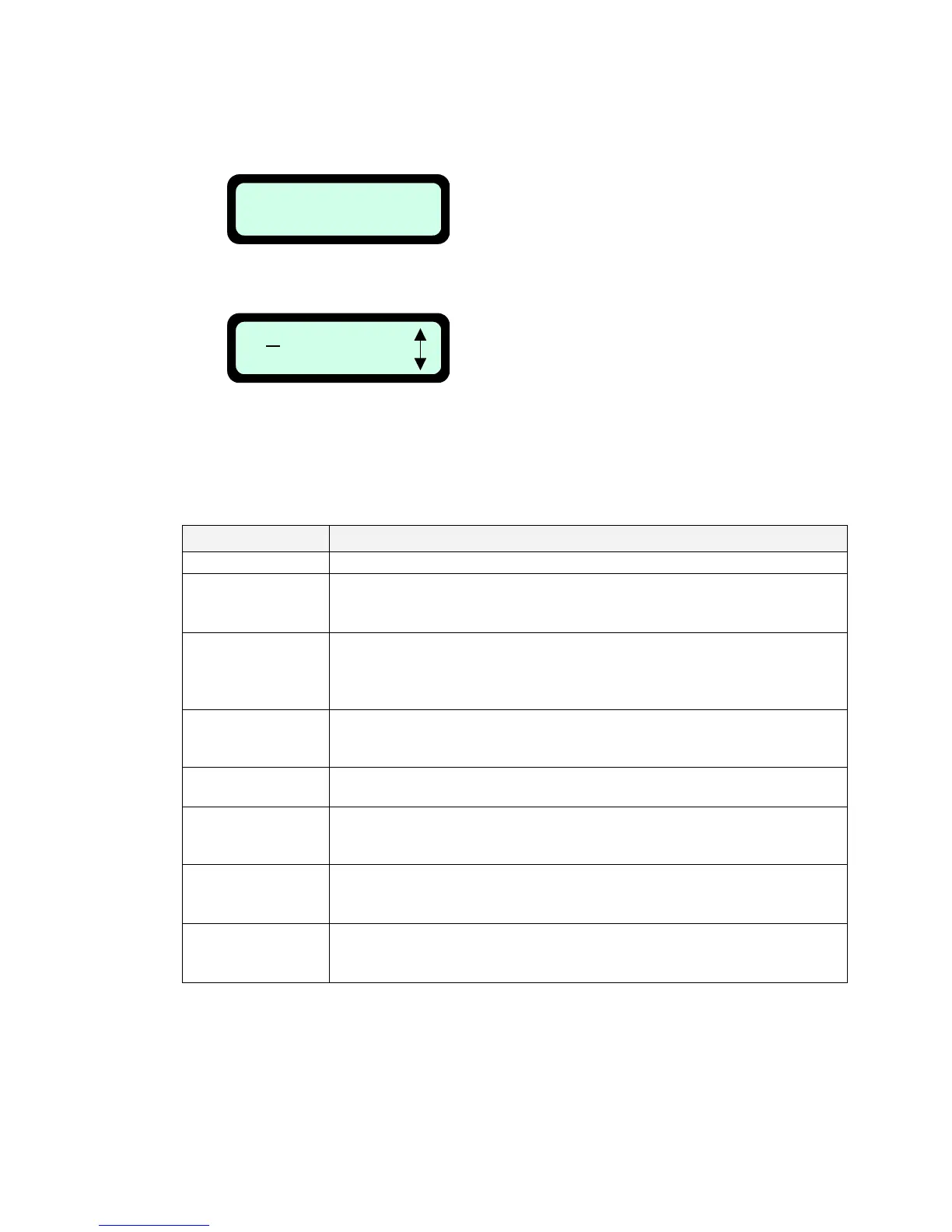
2. Robomow is in the Charging Station - press the up scroll arrow once – the weekly program is
displayed for 10 seconds:
Pressing the ‘GO’ button again within the 10 seconds of the display is a shortcut to the ‘Weekly
program’ setting display:
This screen will display for 10
seconds and then disappear.
(+ means active day)
M T W T F S S
+ - + - - - +
T W T F S S
M
Press GO
Note: The weekly program display is used to show additional information about the last week
operations except of the ‘+’ for the active days. The following characters may appeared under
each of the active days:
Character Meaning
+ Active day
B
Skipped due to low battery voltage
(Robomow did not departe from the Charging Station at the scheduled
time due to low battery voltage)
b
Docked before time due to low battery voltage
(Robomow did not complete the operation and drove back to the
Charging Station due to low battery voltage – relevant only when
‘Working time’ is set)
D
Skipped because there was no contact with Charging Station or there
was no charging voltage (power break or mower which is placed out of
the Charging Station) at the scheduled depart time
U
Skipped due to user choice (for example if the user chose the ‘skip next
depart’ option or set the ‘Auto depart’ to ‘off’)
C
Skipped because there was no charging at the scheduled departs time,
although there was voltage (usually when the Robomow is in the
Charging Station, but the Manual Controller is not in its place).
R
Skipped due to rain
(Robomow did not depart from the Docking Station at the scheduled time
due to rain detection)
r
Docked before time due to rain
(Robomow did not complete the operation and drove back to the
Docking Station due to rain detection during the operation)
47








 To Next Page