10
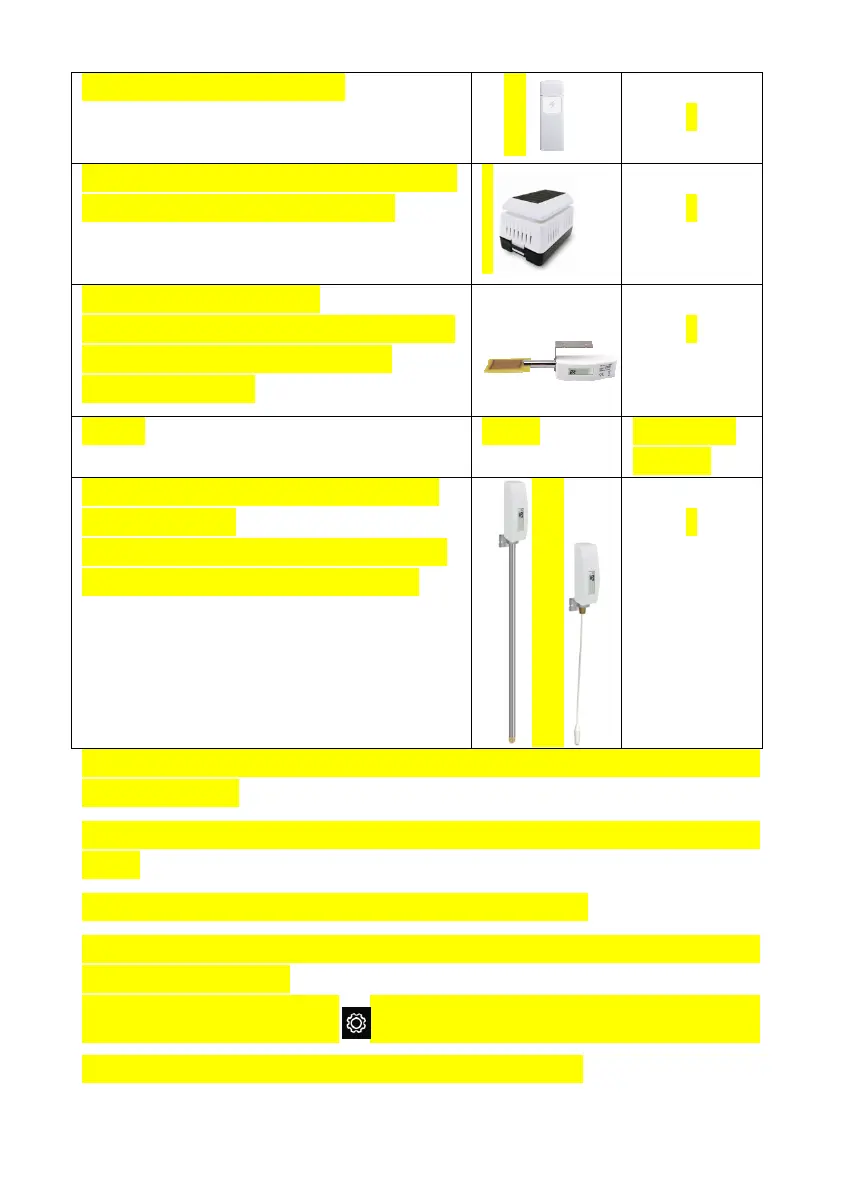
DP60 Thunder and lightning
DP250 Indoor PM2.5/PM10 CO2 air
quality sensor temperature/humidty
DP10 Leaf wetness sensor
* the data won’t be displayed on the main
screen, it will show its data on the
Channel Data page.
Sensor Image
DP35 stainless-steel probe thermometer
for soil and water
DP150 wire probe thermometer for water
DP35 and DP150 share the 8 channels
To pair the optional sensors with the HP2000
console, please follow the
below operations:
1. Place the optional sensor next to the console (keep 5-
other).
2. Install batteries on the sensor and wait for 1-2 minutes.
3. Check whether the console will pick up the sensor data automatically and
display it on the screen.
4. If not, press the gear icon and go to Setup page -
its Setup page - find Sensors ID and enter its Setup page.
1
1
8
Maximum
Number
8
console, please follow the
3. Check whether the console will pick up the sensor data automatically and



 To Next Page