30
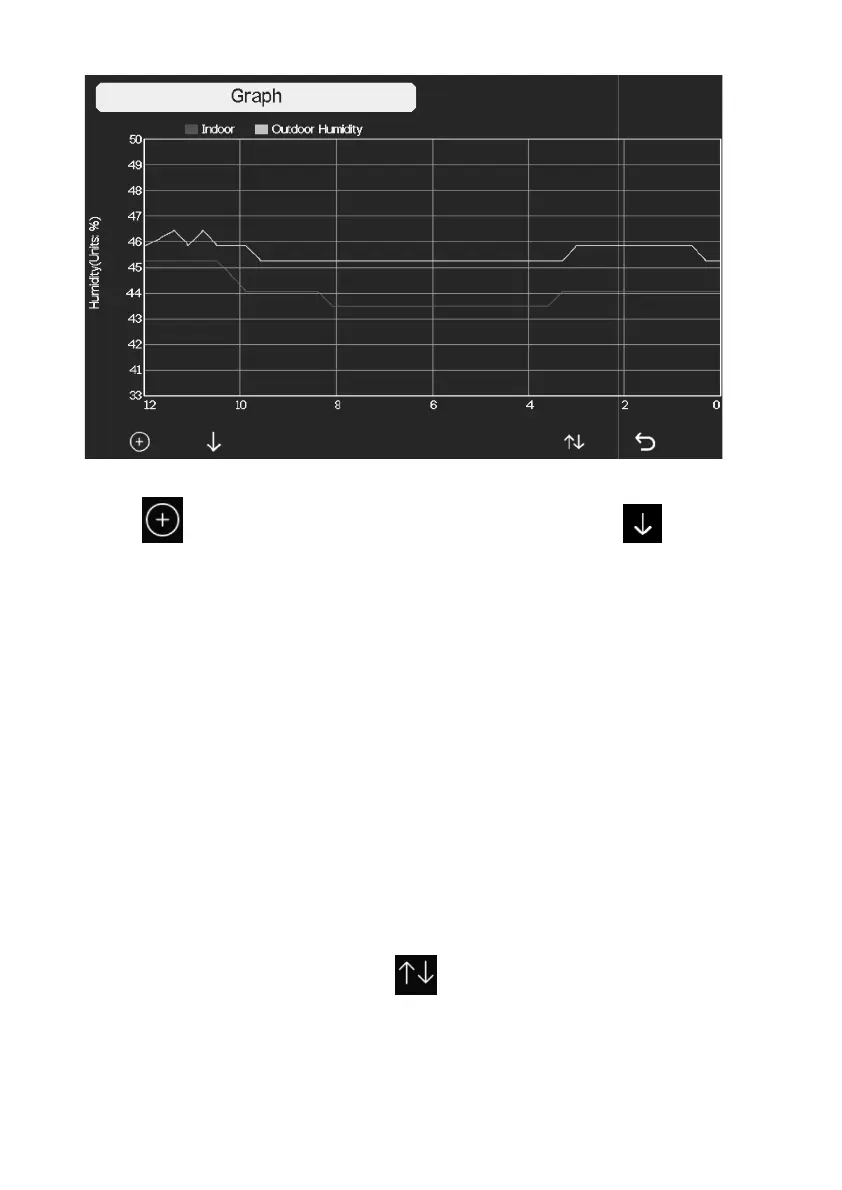
Figure 13: Graph Screen
Press to shift the data display of 12/24/48/72H
the graph of the following data:
Indoor outdoor temperature
Dew Point and Feels like
Indoor outdoor humidity
Wind speed and Gust
Wind Direction
UVI
Solar radiation
Rainfall hourly and daily
Barometer (REL & ABS)
5.5.4 View Channel Data
While in normal display, press the key four times
Data Mode.
If you purchase the optional sensor, soil moisture sensor or PM2.5 sensor or
to view
Channel
If you purchase the optional sensor, soil moisture sensor or PM2.5 sensor or



 To Next Page