41
5.6.15 .1 Wunderground server setup
Perform the following steps to
get the Station ID and Password
wunderground.com:
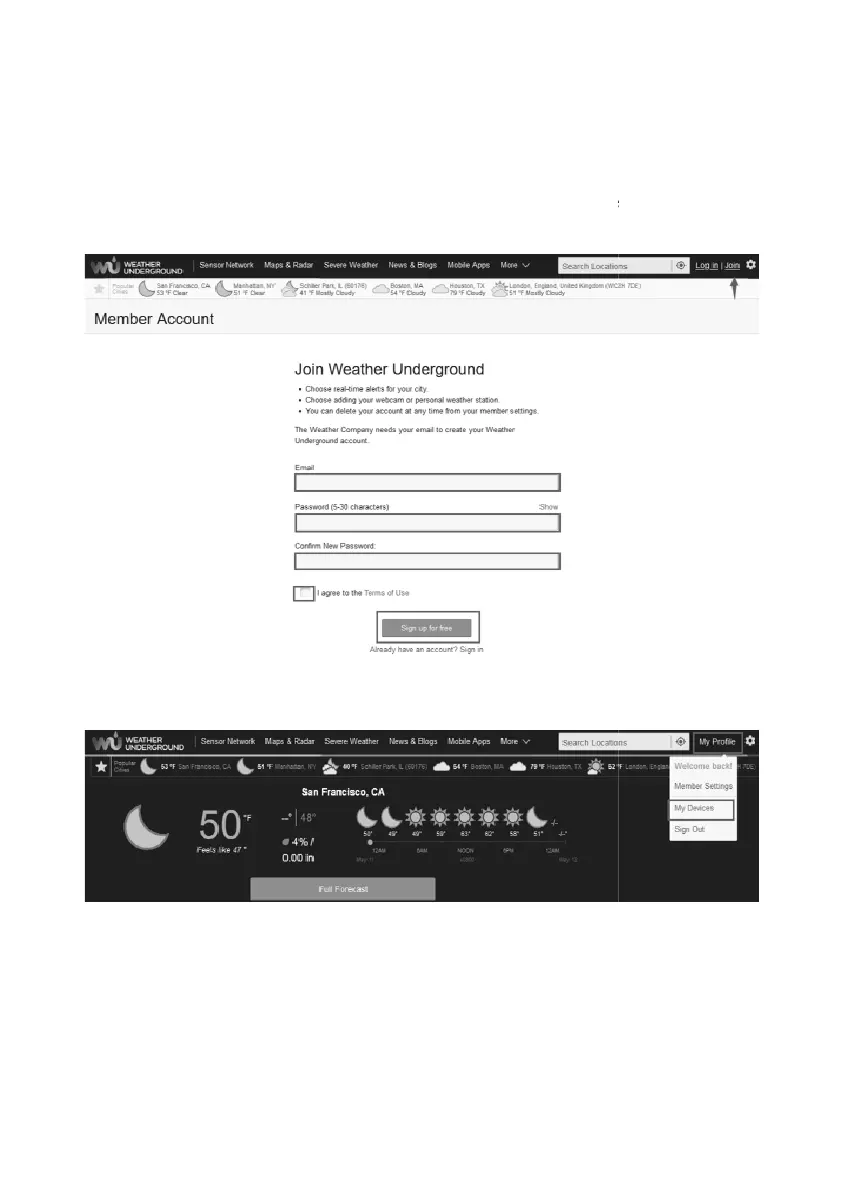
1. Visit Wunderground.com and select the Join
link at the top of the page
and sign up.
2. Click My Profile and select My Devices
3. Select Add New Device.
get the Station ID and Password
on
link at the top of the page



 To Next Page