39
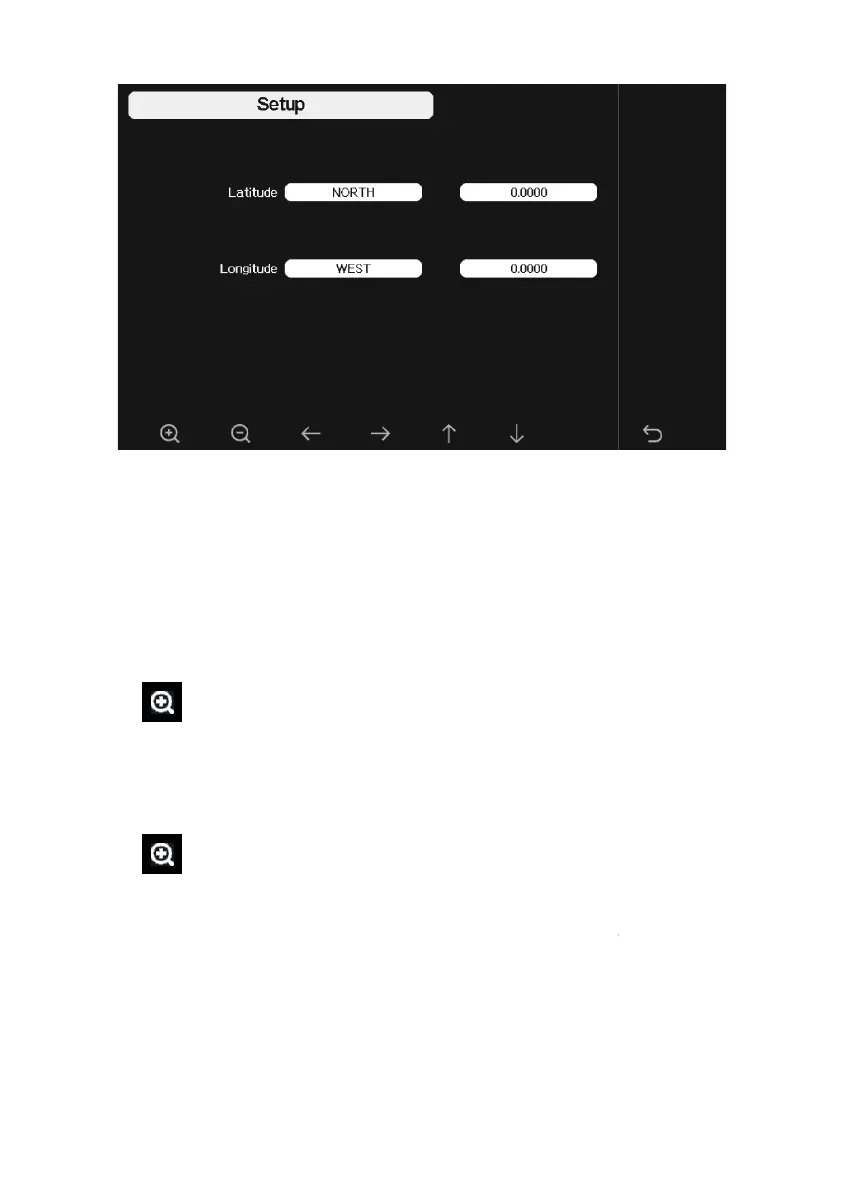
Figure 20
: Longitude and Latitude Setting Screen
The sunrise/sunset times will be calculating automatically base on the
Longitude and Latitude. Your
location GEO info can be found on mobile
compass page. Two digits after decimal should be enough for this feature to
be working correctly.
5.6.12 Reset Weekly Rain
Press to change the
Reset Weekly Rain At Monday or Sunday,
Default at Sunday
5.6.13 Rainfall season (default: January)
Press
to change the beginning of the rainfall yearly season month.
The default is January. Rainfall season influence the annual rainfall
maximum, minimum and total value. When one month was selected, the
annual rainfall and annual max/min rainfall were zero cle
first day of the selected month.
5.6.14 Storing Interval (1-240minutes Selectable)
: Longitude and Latitude Setting Screen
The sunrise/sunset times will be calculating automatically base on the
location GEO info can be found on mobile
compass page. Two digits after decimal should be enough for this feature to
Reset Weekly Rain At Monday or Sunday,
to change the beginning of the rainfall yearly season month.
The default is January. Rainfall season influence the annual rainfall
maximum, minimum and total value. When one month was selected, the



 To Next Page