29
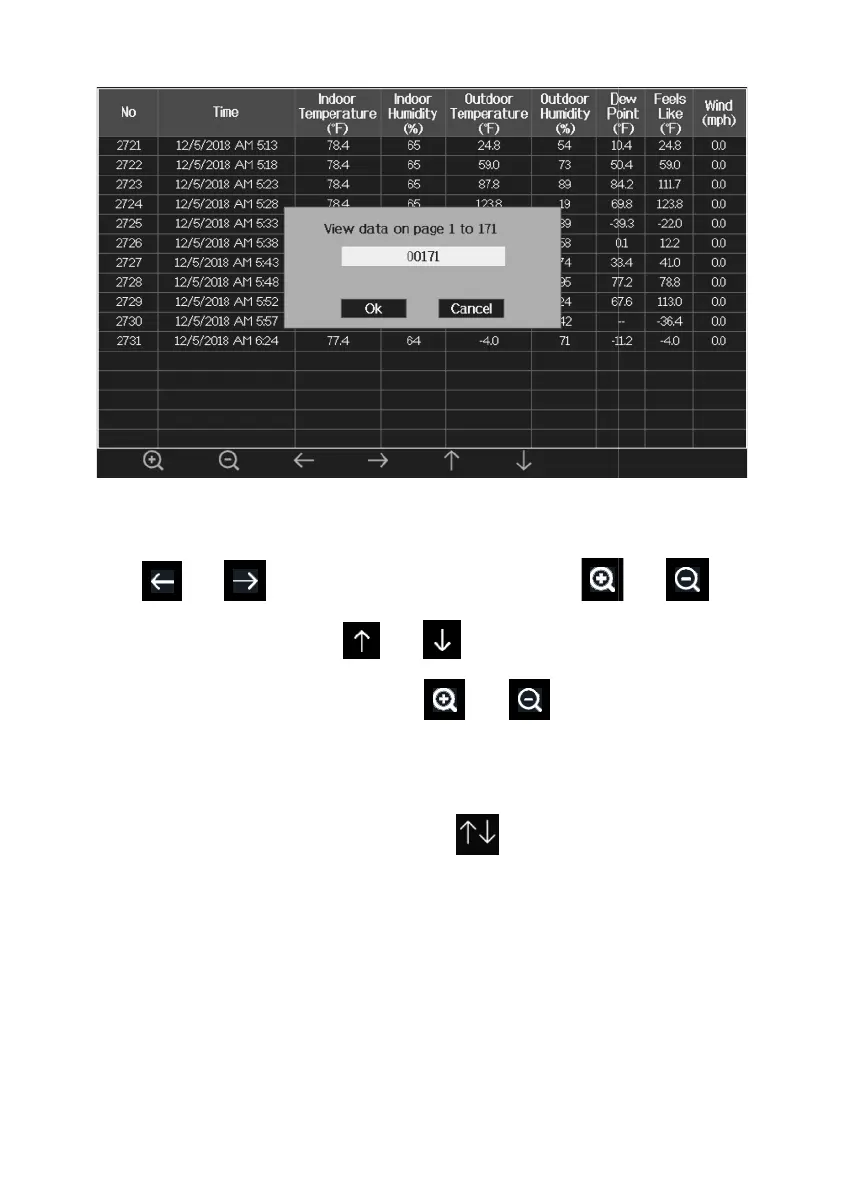
Figure 12:
view a specific page of history Screen
Press or to select a digit in a number, press
to change the number. Press or
to change the activated option
field, toggle OK or Cancel then press or
5.5.3 View Graph
While in History Record Mode, press the key
Graph Mode.
view a specific page of history Screen
or key
to change the activated option
to enter



 To Next Page