26
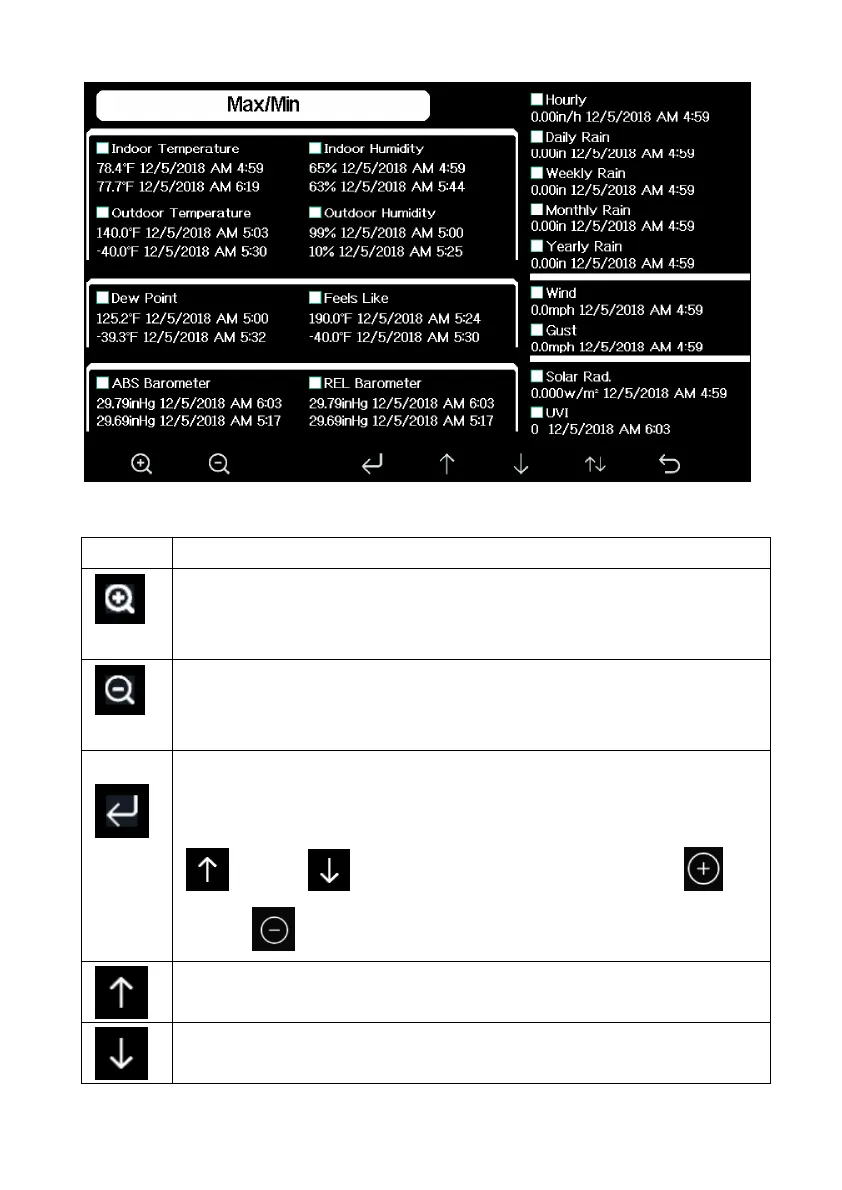
Figure 9: Max/Min Screen
Icon Description
Selection key
Press this key to select the weather MAX/MIN record which
need to clear
Selection key
Press this key to select the weather MAX/MIN record which
need to clear
Enter key
While the desired weather MAX/MIN record selected , press this
key to popup Message Box ”Clear the Max/Min record?”. Press
key or key to select YES or NO. Press the
key or key to confirm the selection.
Up arrow key
Press this key to change the activated option field
Down arrow key
Press this key to change the activated option field



 To Next Page