72
Figure 33: Calibraton Setting Screen
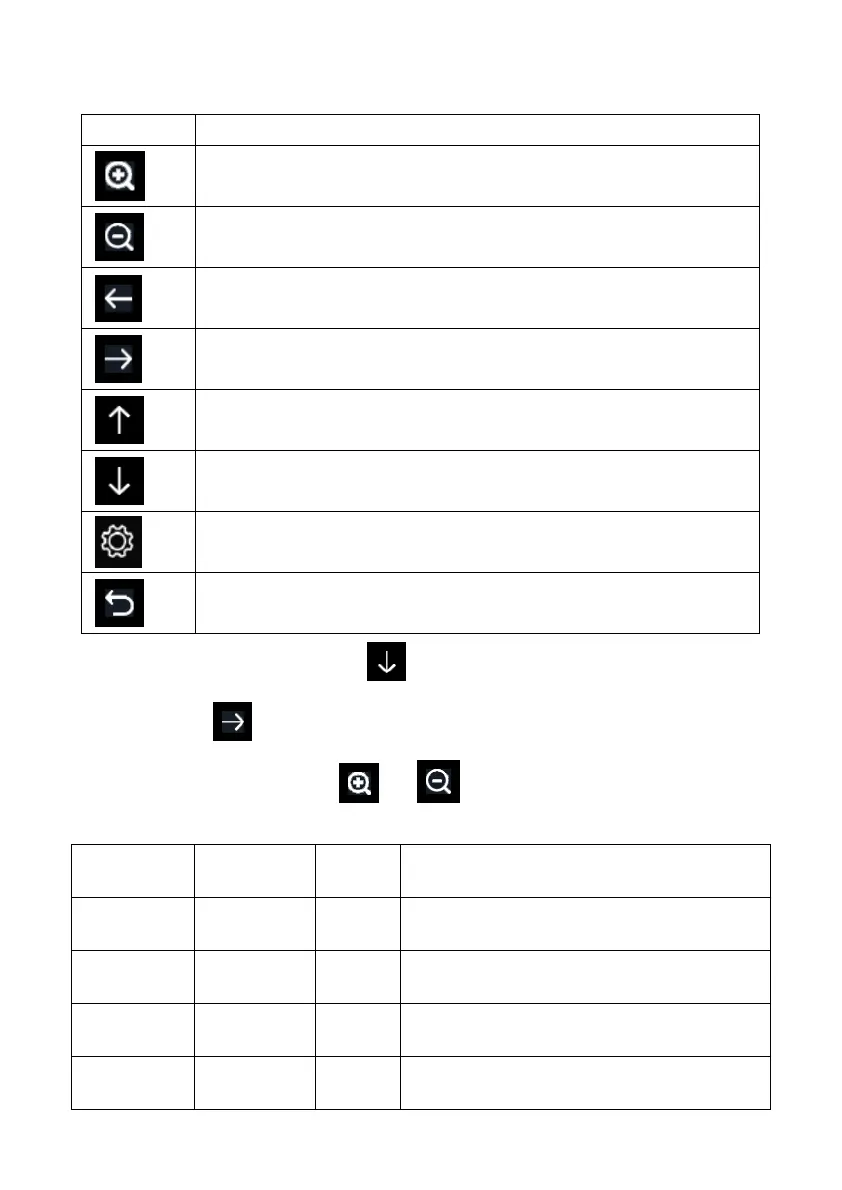
Icon Description
Select key
Press this key to select the unit or scrolls the value
Select key
Press this key to select the unit or scrolls the value.
Left key
Press this key to select the set value.
Right key
Press this key to select the set value.
Up arrow key
Press this key to change the activated option field
Down arrow key
Press this key to change the activated option field
Set key
Press this key to select the Setting sub-Mode
Return key
Press this key to return to previous mode
To adjust the parameter, press to scroll to the parameter you wish to
change. Press to highlight the sign (positive vs. negative, if applicable)
and significant digit. Press or to change the calibrated value.
Parameter Type of
Calibration
Default Typical Calibration Source
Temperature Offset Current
Value
Red Spirit or Mercury Thermometer (1)
Humidity Offset Current
Value
Sling Psychrometer (2)
ABS
Barometer
Offset Current
Value
Calibrated laboratory grade barometer
REL
Barometer
Offset Current
Value
Local airport (3)



 To Next Page