34
Before starting
for the first time
1
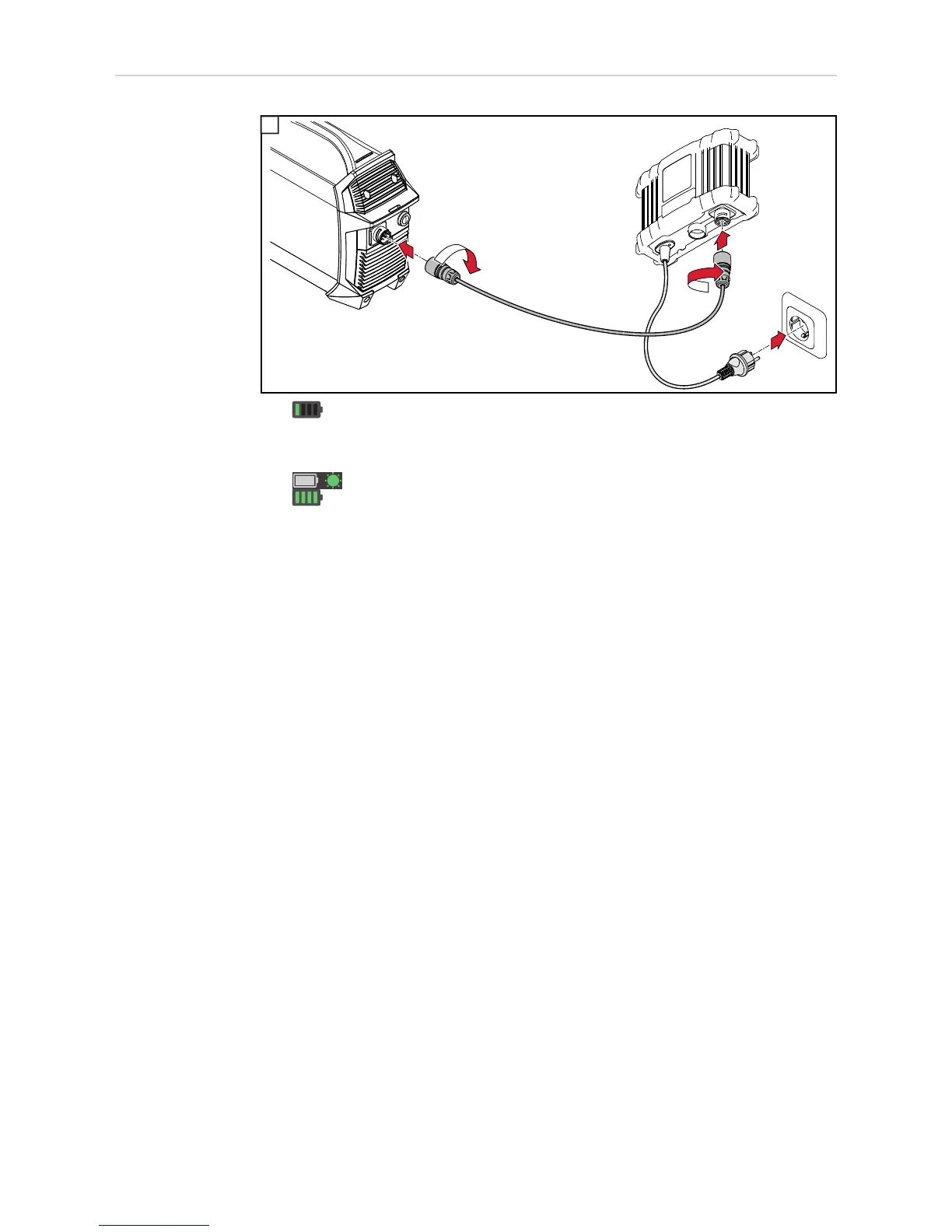
- Once connected, the battery capacity indicator on the power source flashes to
indicate the current state of charge; the battery is being charged
If the battery is fully charged:
- The COMPLETED indicator lights up on the charger
- On the power source, all segments of the battery capacity indicator are lit
- The power source can be put into operation
1











 To Next Page