2
(1)
(2)
(3)(4)(5)(6)
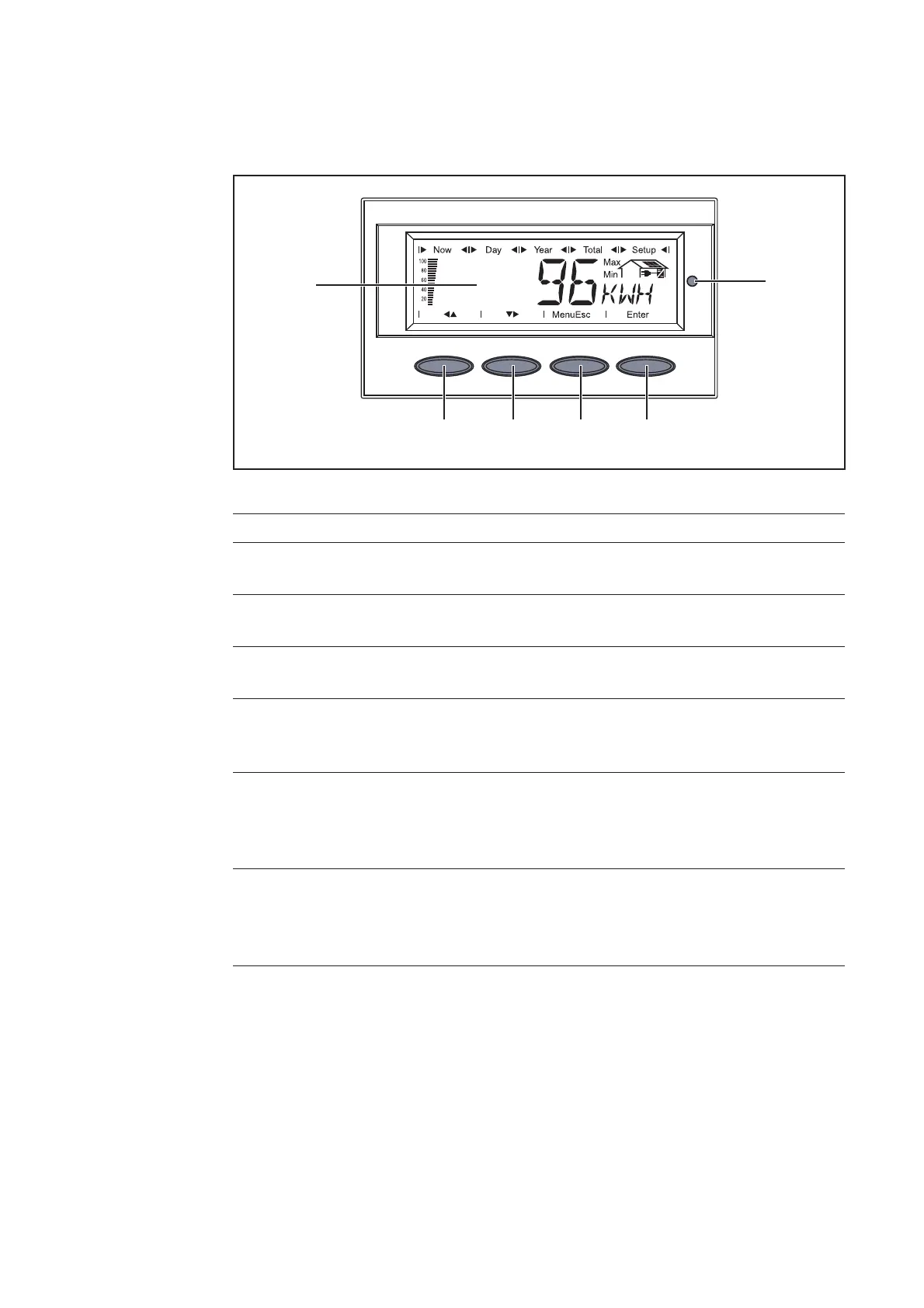
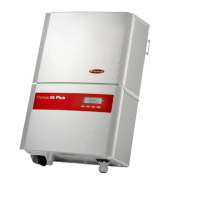
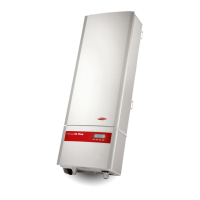
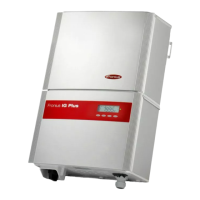
Keys and Symbols on the inverters Fronius IG Plus and Fronius CL
Item Function
(1) Display
for displaying values, settings and menus
(2) Operating Status LED
for displaying the operating status
(3) ‘Enter’ key
for confirming a choice
(4) ‘Menu / Esc’ key
switching to the menu level (‘Menu’) or exit from the setup menu
(‘Esc’)
(5) ‘Down/Right’ key
depending on the selection:
for navigating down
for navigating right
(6) ‘Left/Up’ key
depending on the selection:
for navigating left
for navigating up
Keys and Symbols on the Inverter
Keys and
Symbols



 To Next Page