EasyManua.ls Logo

Fronius Symo Hybrid 5.0-3-S - User Manual

Fronius Symo Hybrid 5.0-3-S
140 pages
Print Icon
To Next Page IconTo Next Page
Loading...
Fronius prints on elemental chlorine free paper (ECF) sourced from certified sustainable forests (FSC).
/ Perfect Charging / Perfect Welding / Solar Energy
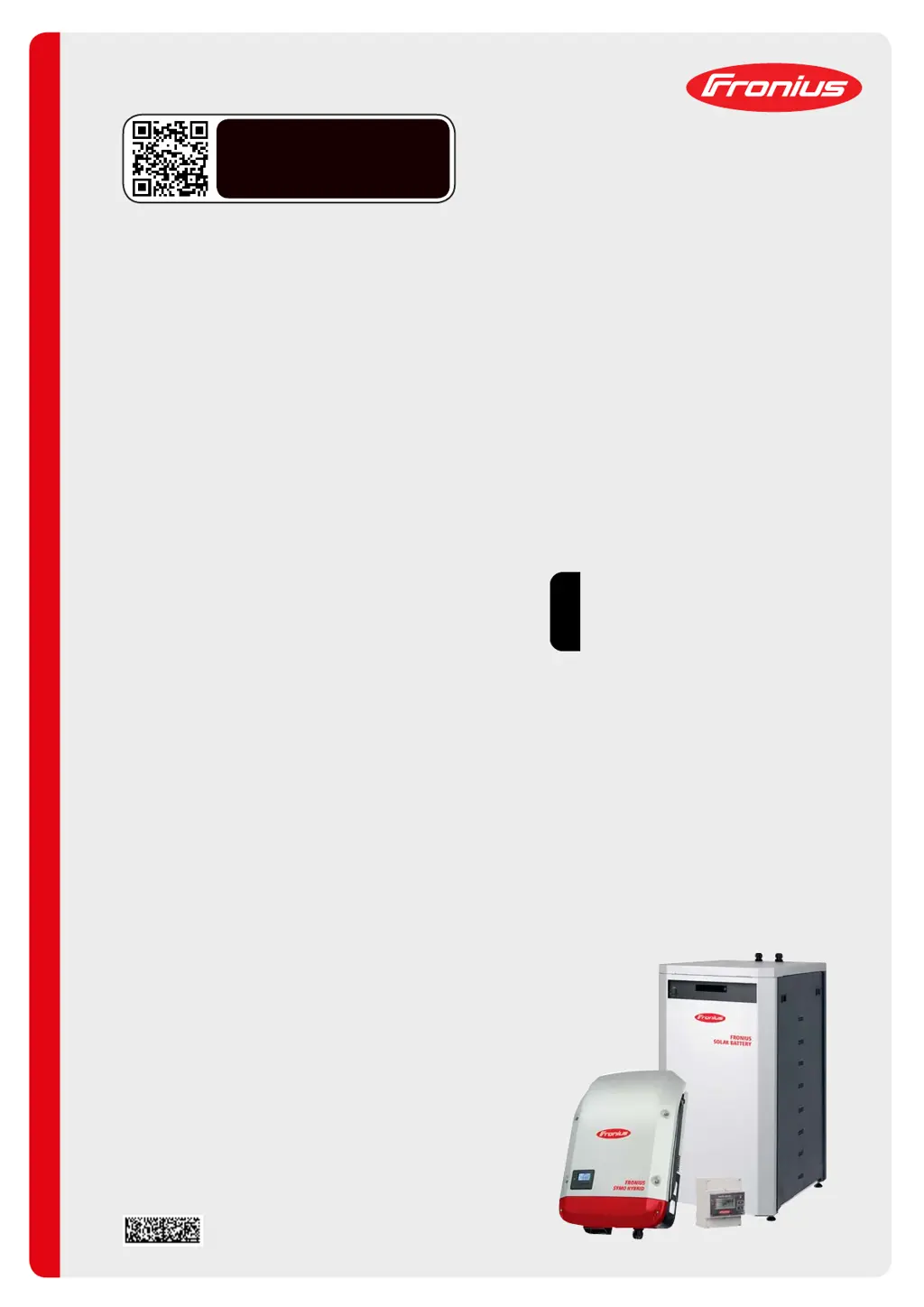
Fronius Energy Package
EN
Operating instructions
Grid-connected inverter
42,0426,0222,EN 021-16072020
www.youtube.com/FroniusSolar
LEARN MORE WITH
OUR HOW-TO VIDEOS

Table of Contents

Questions and Answers

  • C
    Christina WrightAug 14, 2025
    What to do if Fronius Symo Hybrid 5.0-3-S Inverter battery is not charging or discharging?
    • K
      kevin89Aug 14, 2025
      If your Fronius Inverter's battery isn't charging or discharging, and the SOC indicated on the web interface doesn't match that of the battery, first check whether the battery is switched on. If it isn't, switch it on. If the battery is already on, disconnect the inverter on the DC side and isolate it from the grid on the AC side. Wait 5 minutes, then reconnect the inverter on both the DC and AC sides. If the issue persists, notify Customer Services.
  • R
    rubendukeAug 17, 2025
    Why is no information displayed on my Fronius Symo Hybrid 5.0-3-S Inverter?
    • J
      jeremycolemanAug 17, 2025
      If no information is displayed on your Fronius Inverter, it could be due to a wiring error, a storage module addressing error, or a system-critical error. Check the wiring and the address settings for the individual storage modules to resolve this issue.
  • A
    akrauseAug 21, 2025
    What does it mean when red LED is flashing on Fronius Symo Hybrid 5.0-3-S Inverter with high SOC?
    • J
      Jennifer TorresAug 21, 2025
      If the battery is active, the state of charge (SOC) is more than 90%, and the red LED is flashing on your Fronius Inverter, it indicates a battery charging error. To resolve this, disconnect the inverter on the DC side and isolate it from the grid on the AC side. Wait 30 minutes, then reconnect the inverter on both the DC and AC sides. If the error continues, notify Customer Services.
  • E
    Elizabeth PearsonAug 25, 2025
    What to do if an error message appears on Fronius Symo Hybrid 5.0-3-S battery display?
    • R
      rosegarciaAug 25, 2025
      Whenever an error message of any kind appears on the battery display of your Fronius Inverter, disconnect the inverter on the DC side and isolate it from the grid on the AC side. Wait 5 minutes and then reconnect the inverter on both the DC and AC sides. If this does not resolve the error, notify Customer Services.
  • M
    Matthew WhiteheadAug 28, 2025
    Why does Fronius Symo Hybrid 5.0-3-S battery switch off at 0% SOC?
    • P
      parkerandreaAug 28, 2025
      If the battery switches off with a SOC (state of charge) of 0% in your Fronius Inverter, it may be due to a communication error. Disconnect the inverter on the DC side and isolate it from the grid on the AC side. Wait 5 minutes and then reconnect the inverter on both the DC and AC sides. If this does not resolve the error, notify Customer Services.
  • P
    prattvalerieAug 31, 2025
    What to do if Fronius Symo Hybrid 5.0-3-S Inverter has unusual smells?
    • J
      Jenna JohnsonAug 31, 2025
      If you notice an unusual increase in temperature or strange smells coming from your Fronius Inverter system, switch off the system (battery main switch, DC side of inverter), ventilate the room, and inform Customer Services.
  • W
    watkinspamelaSep 3, 2025
    What to do if Fronius Symo Hybrid 5.0-3-S Inverter battery switches off during start-up?
    • O
      Oscar DoughertySep 3, 2025
      If the battery switches off during the start-up procedure of your Fronius Inverter, keep the battery switched off for at least 120 minutes and then switch it on again. If this does not resolve the error, notify Customer Services.
  • D
    Donna WilsonSep 7, 2025
    How to fix 'NO MODULE' error on Fronius Symo Hybrid 5.0-3-S?
    • T
      Timothy BryantSep 7, 2025
      If your Fronius Inverter displays a 'NO MODULE' message, connect the modules. If the message persists even after connecting the modules, check whether they have been connected properly.
  • B
    Benjamin BakerSep 10, 2025
    How to fix OV Error on Fronius Inverter?
    • R
      Rebecca CruzSep 12, 2025
      To address the 'OV Error' on your Fronius Inverter, discharge the system.

Summary

Safety Rules

Fronius System Components

Operating Modes and Battery Management

Various Operating Modes Explained

Details different operating modes of the inverter and system components.

Emergency Power and Energy Saving

Covers emergency power mode functionality, prerequisites, and energy saving.

Operation and System Monitoring

Controls, Indicators, and Navigation

Identifies controls, indicators, menu navigation, and setup procedures.

Troubleshooting and Maintenance

Fronius Symo Hybrid Status Codes

Lists and explains status codes for the Fronius Symo Hybrid inverter for fault diagnosis.

Fronius Solar Battery Error Messages

Details error messages for the battery module and data converter for troubleshooting.

Fronius Symo Hybrid 5.0-3-S Specifications

General IconGeneral
TypeHybrid Inverter
Power Output5.0 kW
DC Input Voltage Range200 - 800 V
Maximum Input Voltage800 V
Number of MPP Trackers2
Nominal AC Voltage230 V
AC Output Frequency50 / 60 Hz
Maximum AC Current22 A
THD< 3%
Max Efficiency97.5%
Number of DC Connections2
Operating Temperature Range-25 °C to +60 °C
Protection ClassIP65
Max. Apparent AC Power5000 VA
AC Voltage Range180 V - 280 V
Frequency50 Hz
Battery Voltage Range40 V - 60 V
CommunicationEthernet

Related product manuals