39
WWW.FUHR.DE
multitronic
881/881GL/ServoAccess
DAY-LATCH FUNCTION
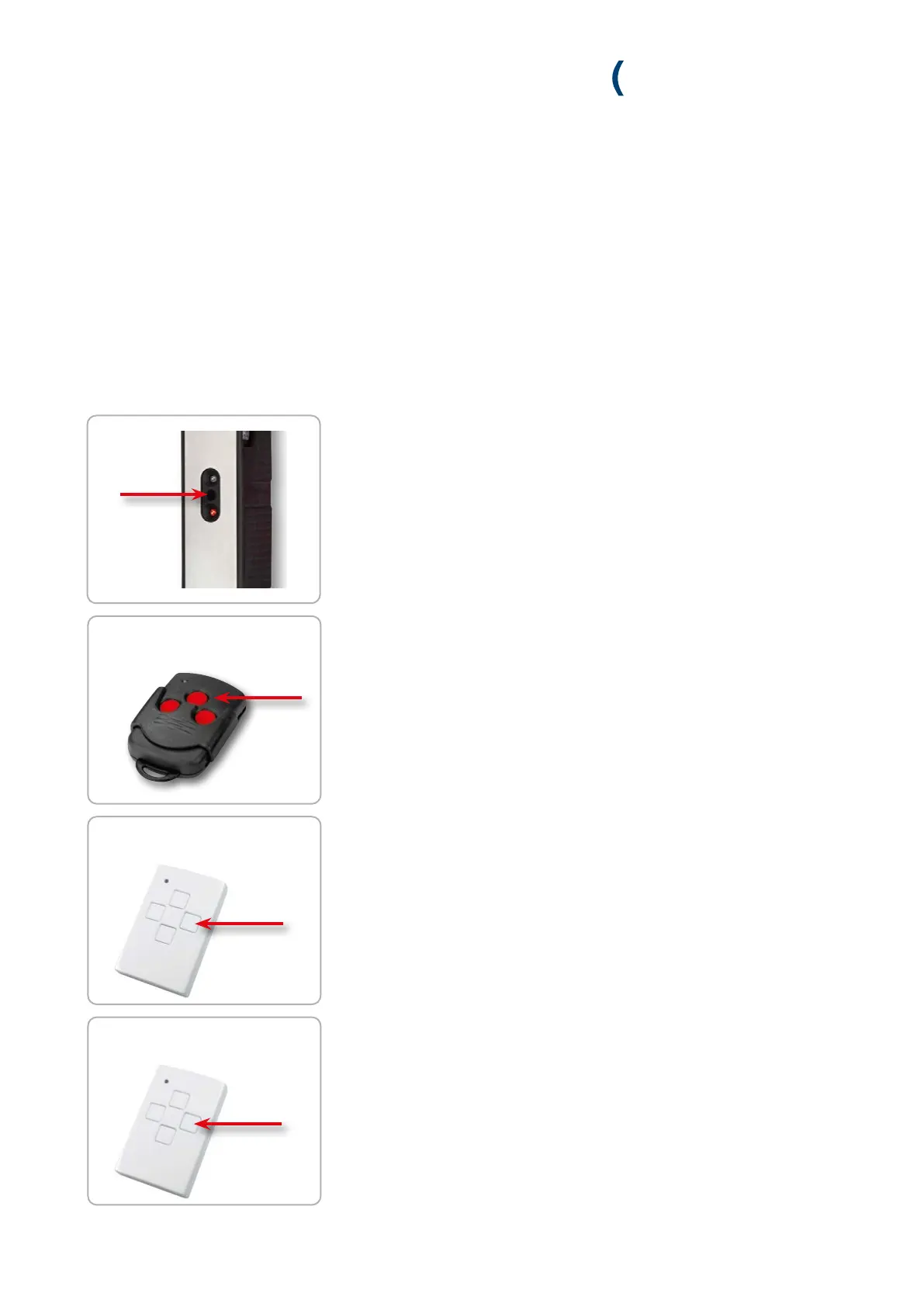
1. Carefully press the programming button on the control unit for about
10 seconds. As soon as the red and green LED flash release the programming
buttion.
2. Briefly press the programming button of the control again. The red and green
LED flash alternately.
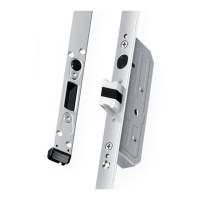
3. Now press the master key’s middle button within 20 sec.
» If the control unit accepts the master key, the green LED lights up for
3 seconds and then continues to flash quickly.
5. If you want to activate or deactivate the day-latch function, press the
send button on the radio key once.
» When the day-latch function is activated, the red and green LED of the
control unit flash slowly.
10 sec.
within 20 sec.
2 x
within 20 sec.
1 x
within 20 sec.
4. Within 20 seconds, press a key of the radio key to be paired twice in
succession. The tuning in procedure is aborted if the 20 second time limit is
exceeded.
» If the control unit accepts the master key, the green LED lights up for
3 seconds.


 To Next Page