76
10
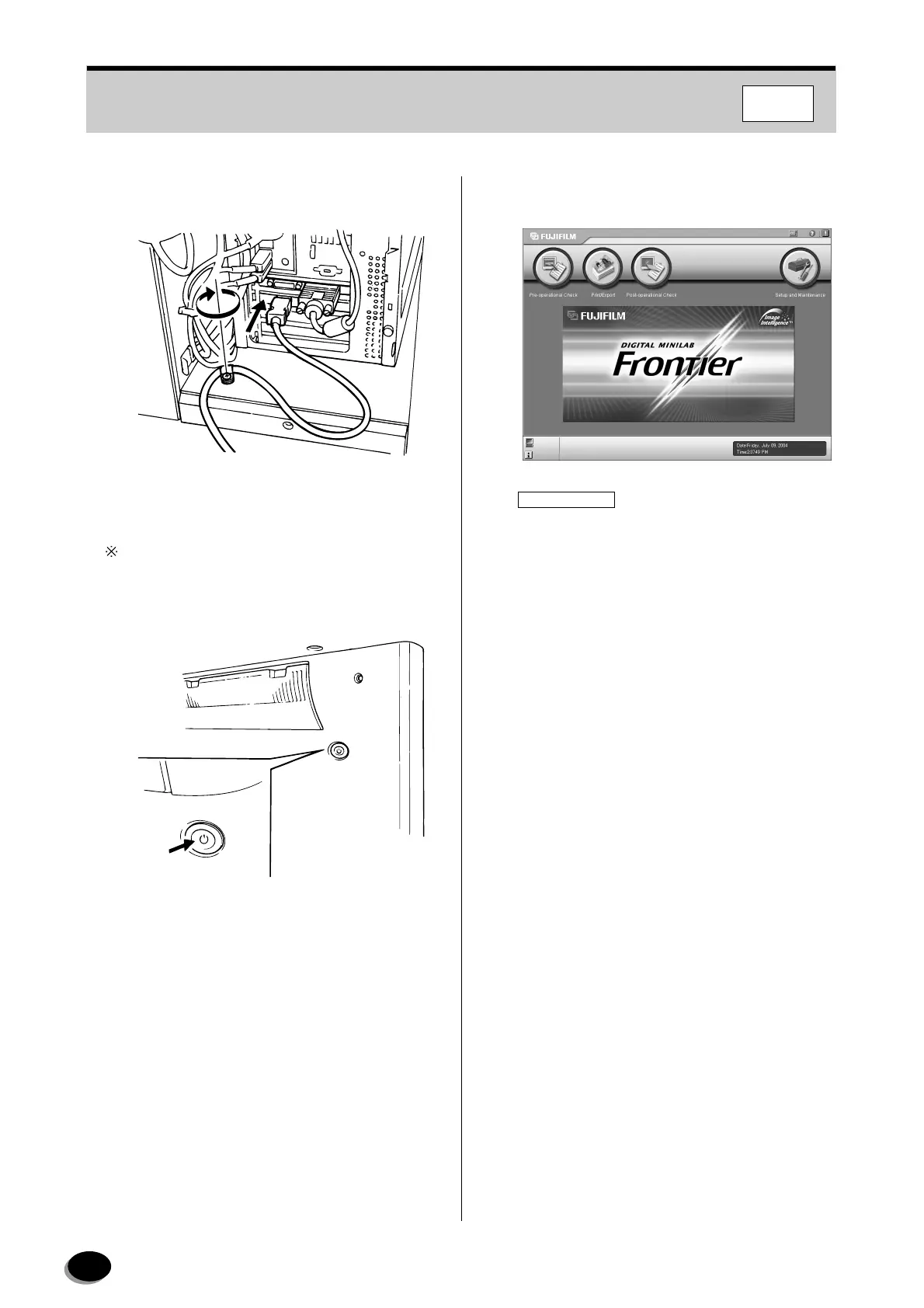
Connect the IEEE1394 cable from printer (LP) to
the scanner (SP).
11
Turn on the printer (LP).
In this case, the printer (LP) cannot be started up
remotely by turning on the scanner (SP).
12
Turn on the scanner (SP).
13
After the restart, the “Main Menu” screen
appears.
IMPORTANT
To perform printing from the Imaging Controller,
the FMPC logical device name on the
administration screen in each DI application on
the Imaging Controller must be set up.
MP048
Z2040
FMPC
distributed by www.minilablaser.com



 To Next Page