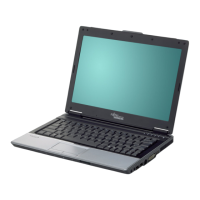
Ports and operating element s
Ports and operating elements
Ports
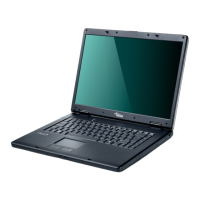
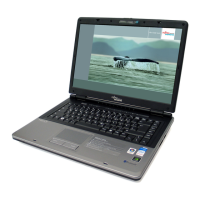
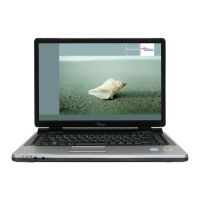
This chapter presents the individual hardware components of your noteboo k. You can obtain
an overview of the ports and operating e lements of the notebook. Please familiarise yourself
with these componen ts before you sta rt to work with y our notebook.
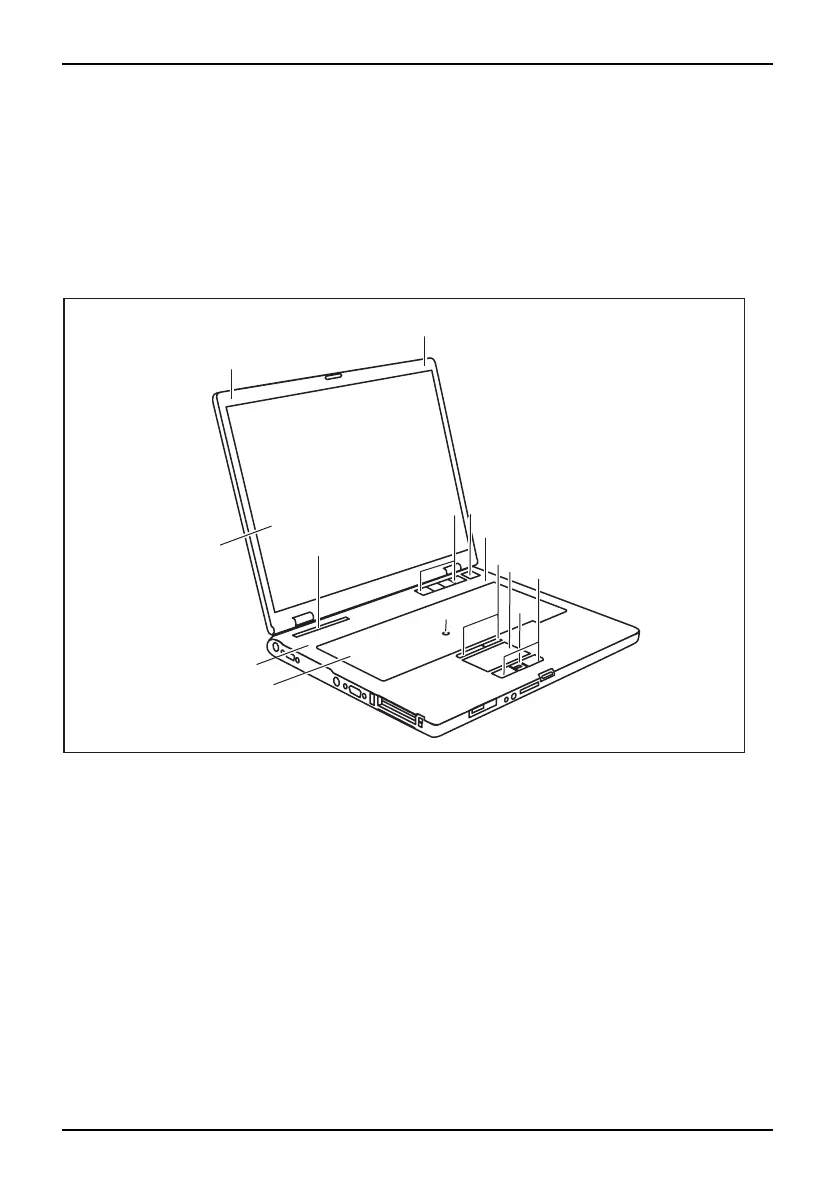
Opened Notebook
FrontViewLCDscreenLoudspeakerKeyboardStatusindicator panelEasyLaunch keysOn/OffswitchTou chS ti ckTouchStickkeysTou chp adTouchpa dkeys
5
6
7
8
9
11
12
10
3
2
4
1
3
1
1 = Microphone
2 = LCD screen
3 = Loudspeaker
4 = Keyboard
5 = Status indicator panel
6 = Easy Launch keys
7 = ON/OFF button
8 = TouchStick (optional)
9 = TouchStick keys
10 = Touchpad
11 = Scroll key
12 = Touchpad keys
4 A26391-K225-Z120-1-7619, edition 1


 To Next Page