Removing and installing comp onents
during servicing
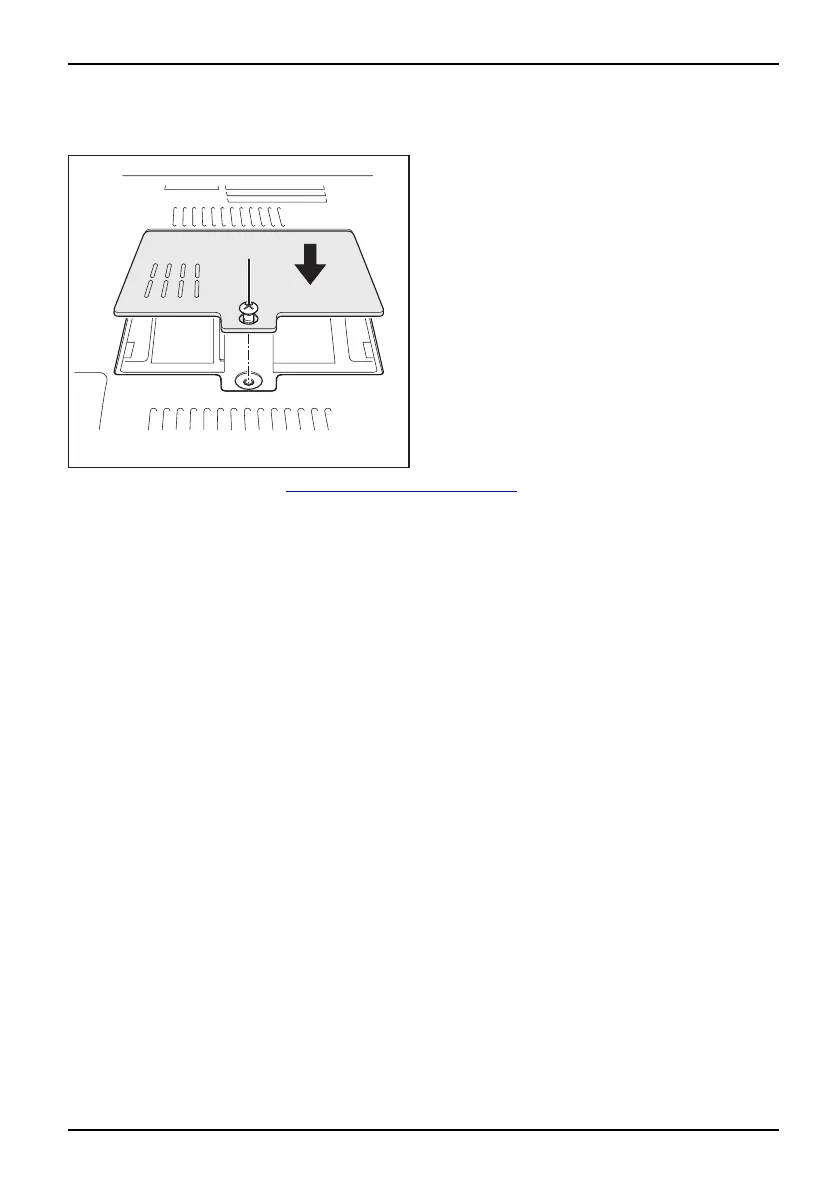
Attaching the cover
1
2
► Place the cover in the correct
mounting position (1).
► Secure the cover with the screws (2).
► Reinstall the battery (see "
Insertin g the battery", Page 16).
► Turn the notebook the
right way up and place it on a flat surface.
► Reconnect the cables that you disconnected previously.
A26391-K225-Z120-1-7619 , edition 1 27


 To Next Page