Ports and operating elements
Switching off the Notebook
► Close all programs and shut down your operating system (please see operating system manual).
If the notebo ok cannot be shut down prope rly, press and hold the ON/OF F button for
approximately four seconds. The notebook will switch off. Any unsaved data may be lost.
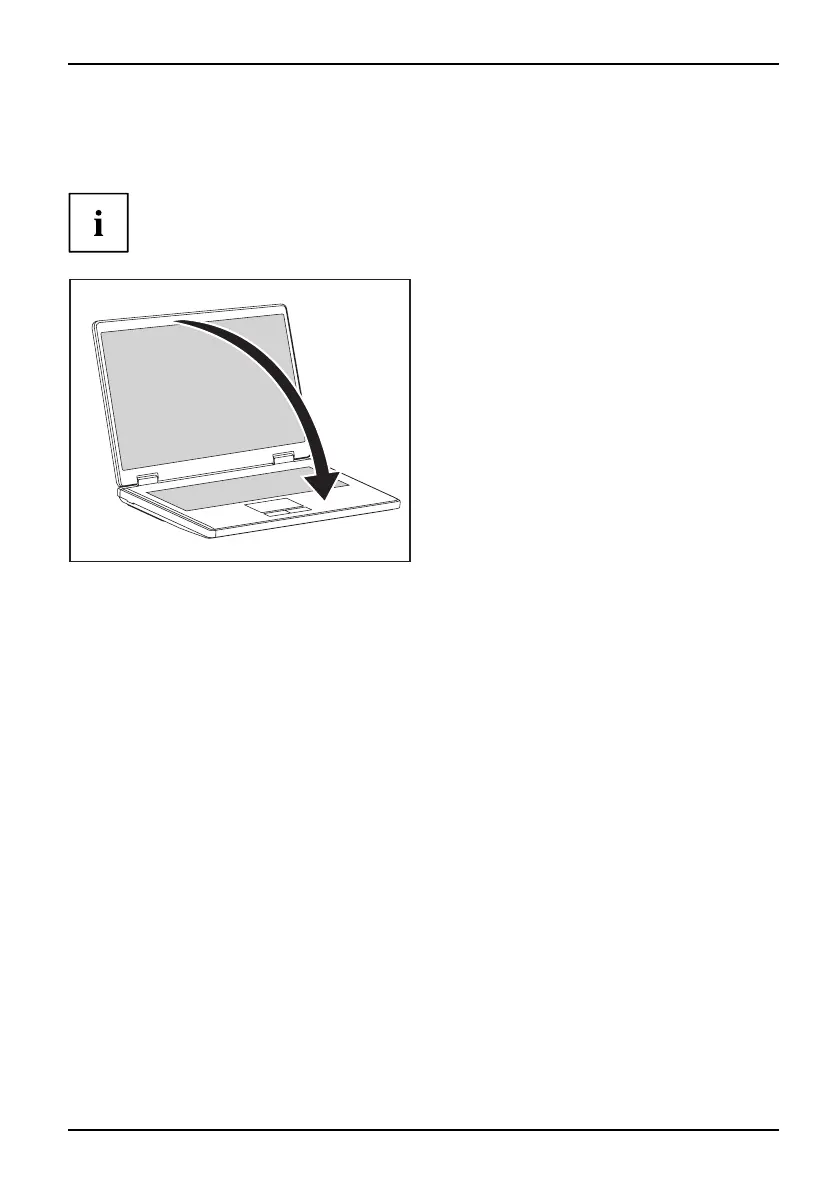
► Close the LCD screen so that it
locks into place.
A26391-K225-Z120-1-7619 , edition 1 9


 To Next Page