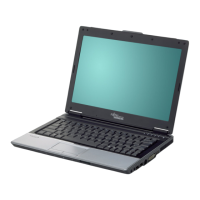
Ports and operating element s
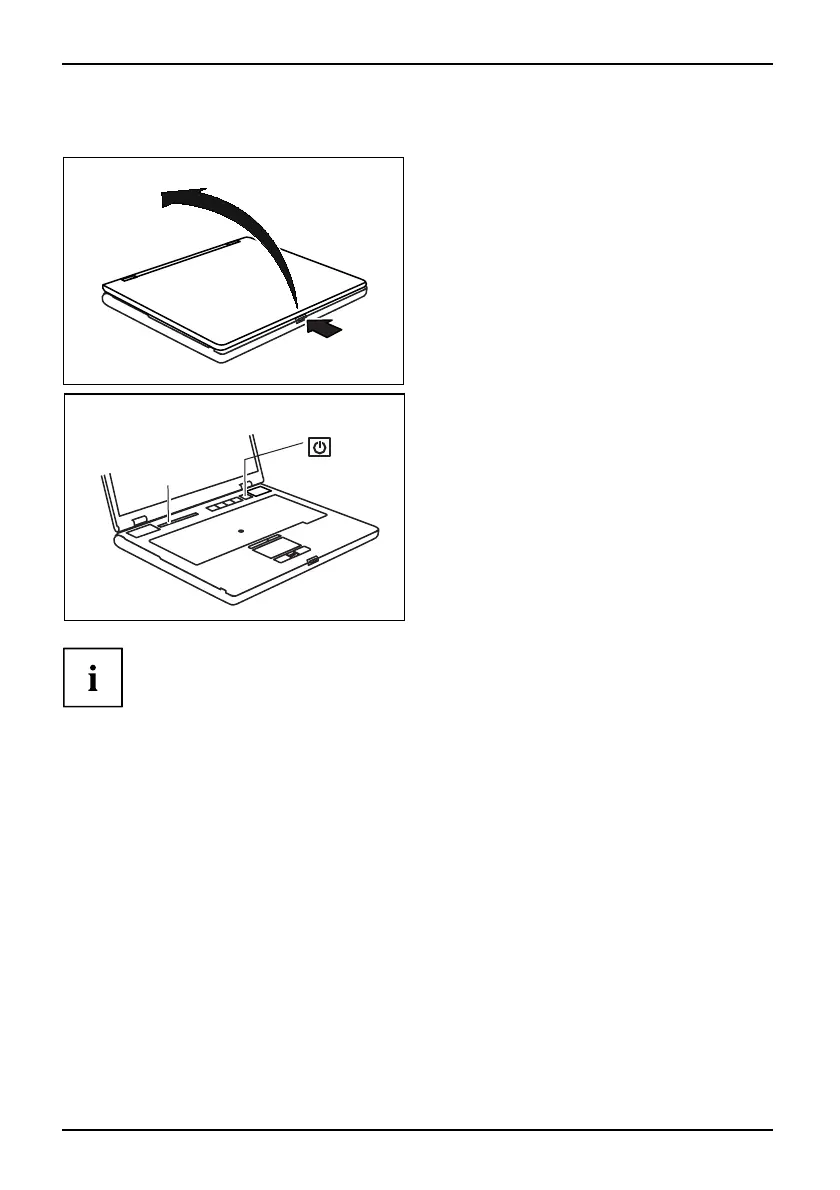
Switching on the notebook
1
2
► Press the release bu tton (1), and unfold
the LCD screen upwards (2).
1
2
► Press the ON/OFF bu tt
on (1) to switch
the n otebook on.
The power-on indicator of the notebook
appears in the status indicator panel (2).
Windows XP:
You can configure the ON/OFF butto n under Sta r t - (S ettings) - Co ntrol Panel -
Performance and Maintenance - Power Options - Advanced.
Windows Vista:
You can configure the ON/OFF button under S tart symbol - (Settings) -
Control Panel - Mob ile PC - Power Options.
If you have assigned a password, you must en ter this when req uest ed to do so, in
order to start the operating system password. You can find more information in the
"Professional No tebook" operating instructions, "Security functions" section.
8 A26391-K225-Z120-1-7619, edition 1


 To Next Page