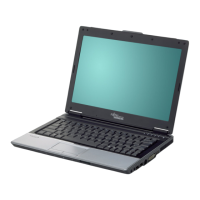
Ports and operating elements
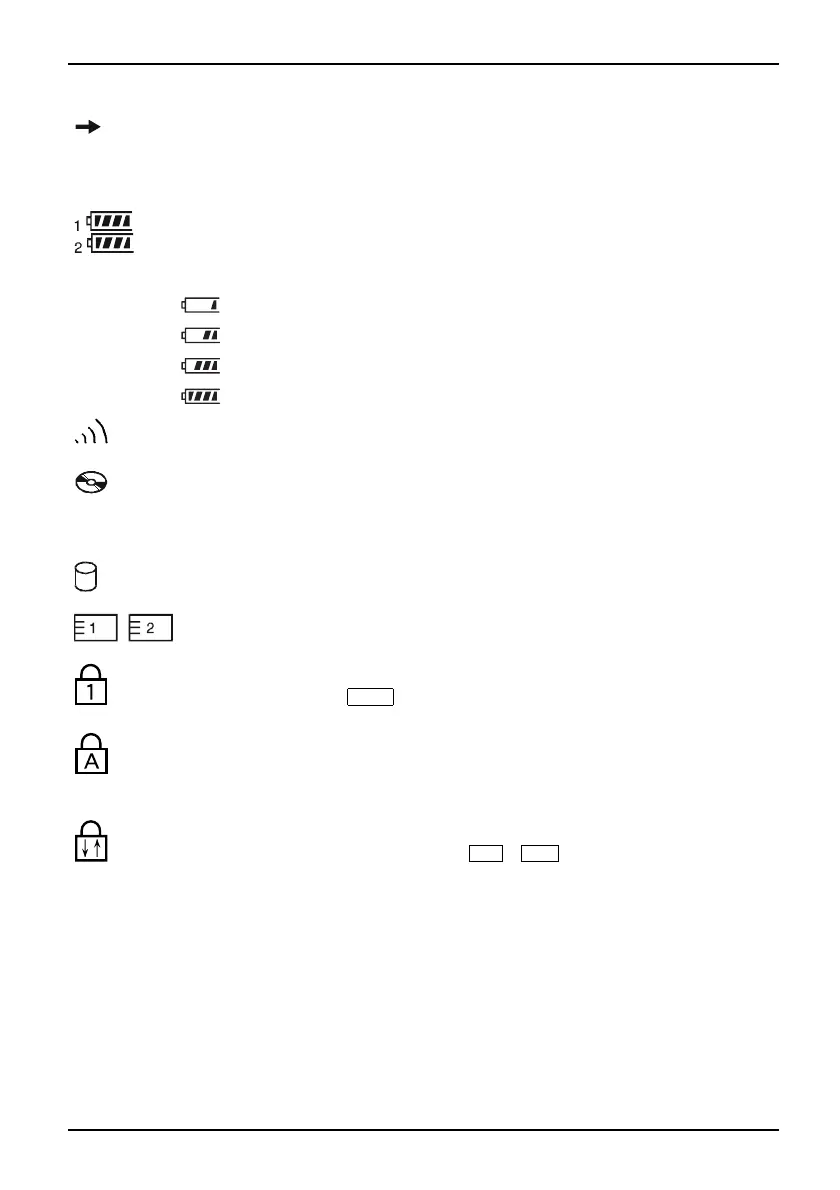
Battery charging indicator
Batterycharging indicatorIndicator
• Indicator lights up: The battery is charging.
• The indicator does not light up: The battery is either too hot or too cold to
be charged.
Battery indicators
IndicatorIndicatorBattery
The charging state of the batteries is shown by two battery indicators. 1 indicates
that the information applies to the first battery in the battery compart m ent. 2
indicates that the information applies to th e second battery in the module bay.
indicates that the battery is 0 % to 25 % charge d.
indicates that the battery is 25 % to 50 % charged.
indicates that the battery is 50 % to 75 % charged.
indicates that the battery is 75% to 100% charged
Radio components indicator
IndicatorIndicatorBluetoothI ndicatorWirelessLAN
• Indicator lights up: one or more radio components are active.
CD/DVD ind icat or
IndicatorCD/D VDindicator
• Indicator lights up: The CD/DVD in the optical drive is being accessed. You
may only remove the CD/DVD when the indicator is dark.
• Indicator flashes: A CD/D VD is being inserted or removed.
Hard disk indicator
Harddiskindic
ator
Indicator
Indicator lights up: The hard disk drive of the notebook is being accessed.
PC card/ExpressCard indicators
IndicatorIndicatorPCCardExp ressCard
Indicator lights up: A PC card or an ExpressCard is be
ing accessed.
Num Lock indicator
IndicatorNum Lock
Indicator lights u p: The
Num
key has been pressed. The virtu
al numeric keypad is
activated. Yo u can output the characters located a t the
upper right on the keys.
Caps Lock indicator
IndicatorCaps Lock
Indicator lights up: The Caps Lock key has been pressed. All the characters you
type appear in upper case. In the case of overlay k eys, the character printed on the
upper left of the ke y appears when that key is pressed .
Scroll Lock indicator
IndicatorScrollLock
Indicator lights up: The key combination
Fn
+
Scr
has been pressed. The effect
this key has varies from programme to programme.
A26391-K225-Z120-1-7619 , edition 1 11


 To Next Page