- (01 - 27) -
DUCT TYPE
ARGA18-25FMTA
DUCT TYPE
ARGA18-25FMTA
(5) Press the TIMER SET button to conrm the setting. Press the TIMER SET button for a few seconds until the setting value stops
ashing. If the setting value indicator changes or if “- -” is displayed when the ashing stops, the setting value has not been set
correctly. (A disable setting value may have been selected for the indoor unit.)
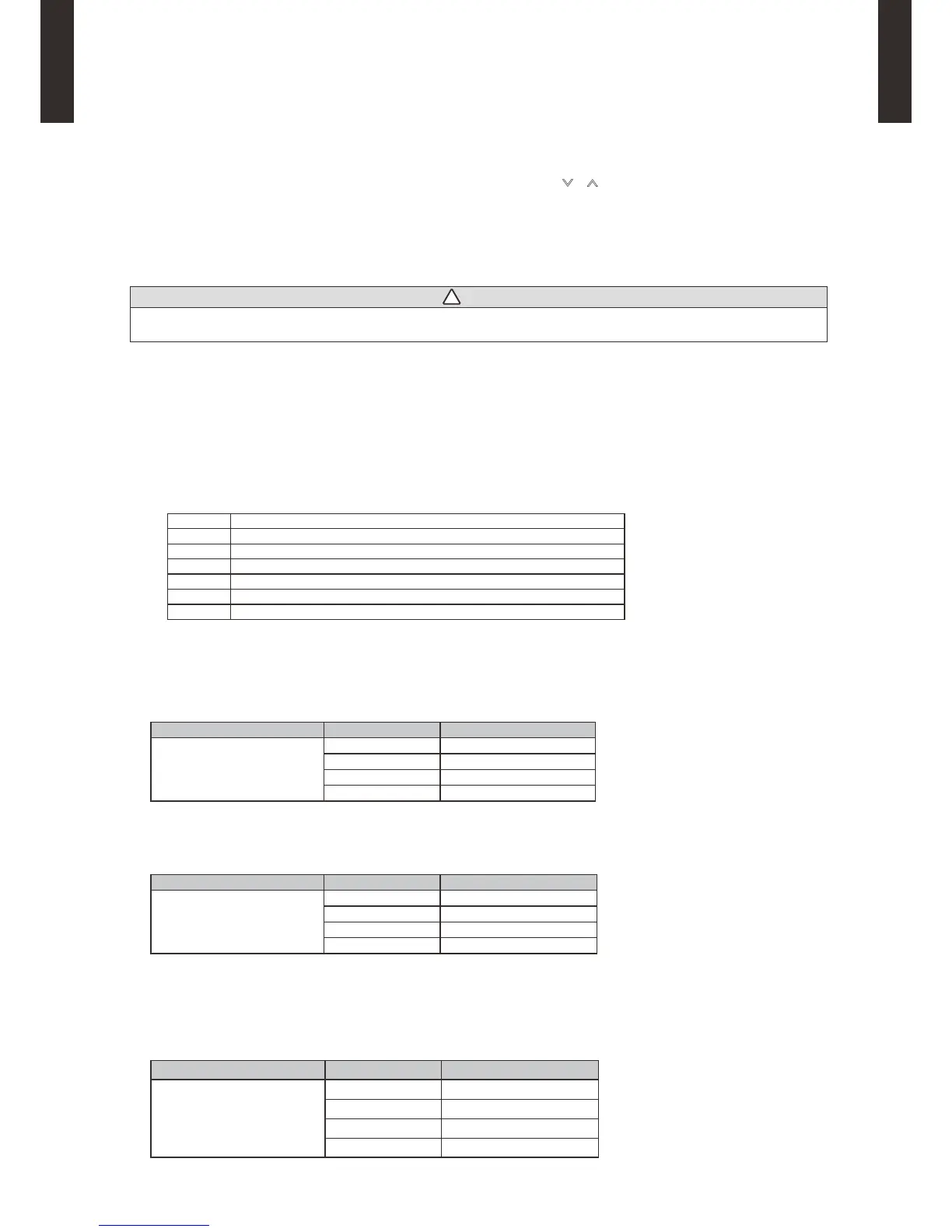
(6) Repeat steps 2 to 5 to perform additional settings. Press the SET TEMP. buttons ( ) ( ) and FAN button simultaneously again for
more than 5 seconds to cancel the function setting mode. In addition, the function setting mode will be automatically canceled after 1
minute if no operation is performed.
(7) After completing the FUNCTION SETTING, be sure to turn off the power and turn it on again.
CAUTION
• After turning off the power, wait 30 seconds or more before turning on it again. The Function Setting will not become active
unless the power is turned off then on again.
CONTENTS OF FUNCTION SETTING
• Follow the instructions in the Local Setup Procedure, which is supplied with the remote control, in accordance with the installed
condition.
After the power is turned on, perform the Function Setting on the remote control.
• The settings may be selected between the following two: Function Number or Setting Value.
• Settings will not be changed if inenable numbers or setting values are selected.
1) Filter sign
2) Static pressure
3) Room temperature sensor control for cooling
4) Auto restart
5) Room temperature sensor switching
6) External input control
7) Room temperature sensor switching (Aux.)
1) Filter sign
Select appropriate intervals for displaying the lter sign on the indoor unit according to the estimated amount of dust in the air of the
room.
If the indication is not required, select "No indication" (03).
(
. . .Factory setting)
Function Number Setting Value Setting Description
11
00 Standard (2500 hours)
01 Long interval (4400 hours)
02 Short interval (1250 hours)
03 No indication
2) Static pressure
Select the appropriate static pressure according to the installation conditions.
(
. . .Factory setting)
Function Number Setting Value Setting Description
21
00 Normal
01 High static pressure 1
02 High static pressure 2
03 High static pressure 3
Refer to "7. FAN PERFORMANCE AND CAPACITY".
3) Room temperature sensor control for cooling
Depending on the installed environment, correction of the room temperature sensor may be required.
Select the appropriate control setting according to the installed environment.
(
. . .Factory setting)
Function Number Setting Value Setting Description
30
00 Standard
01 Lower control
02 Slightly higher control
03 Higher control



 To Next Page