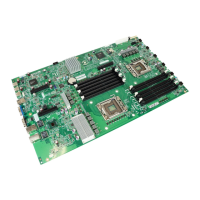
Assembly Instructions D3313-S
__________________________________________________________________________________________________________________________________________________________
Page 8 of 15 www.fujitsu.com
Step 6 Mount HDD
To mount the HDD place the hooks of the tray on the designated hole in the chassis and push the tray forward.
You can now connect the HDD tray to the board.
Then screw the HDD onto the chassis.


 To Next Page