3.2 Loading Documents on the ADF for Scanning
33
3
BASIC SCANNER OPERATIONS
4.
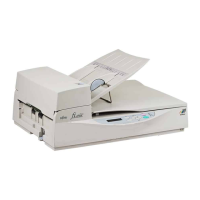
Move the side guides until they match the width
of the document.
Move the side guides to eliminate gaps between the side
guides and the document.
If there are gaps between the side guides and the document,
the document is sometimes scanned in skewed.
HINT
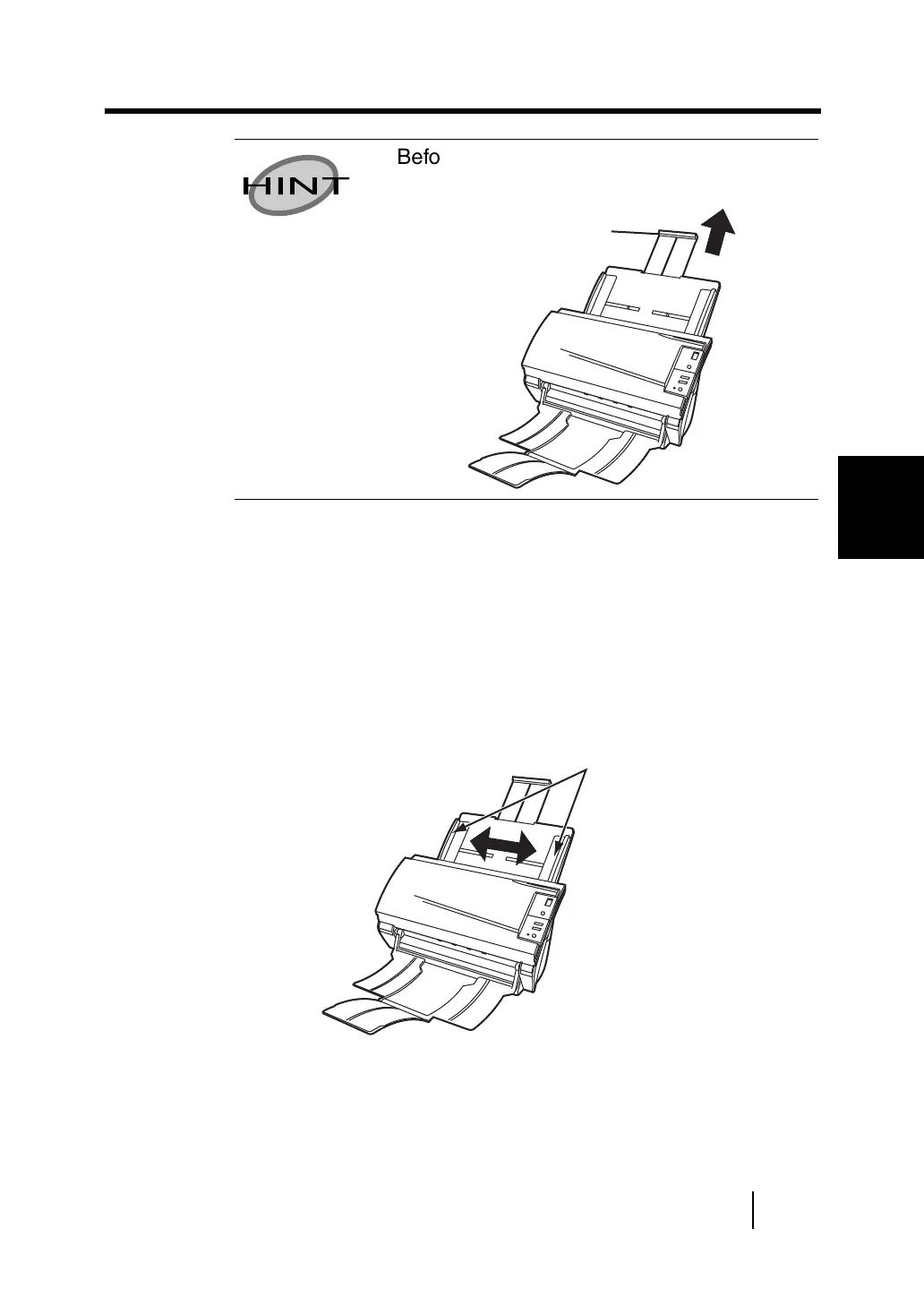
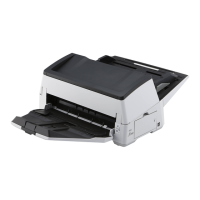
Before loading A4-size documents, pull out
the ADF paper chute extension.
Extension
Side guide





 To Next Page