Working with t he notebook
Switching the notebook on
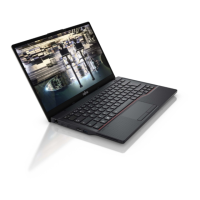
► Open the LCD scre en.
Switchingon
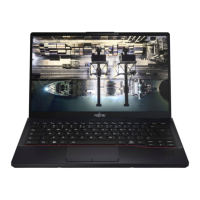
► Press the ON/O FF button for about one
second to switch on the notebook.
The power-on indicator of the notebook is lit.
Switching the notebook off
Back up your data and close all applications before you switch off y our
device. Otherwise data might be lost.
► Shut down the operating system correctly.
Notebook
► If the notebo ok is not switched off
automatically, press the ON/OFF button
for approx. five seconds.
► Close th e LCD screen.
Fujitsu 27




 To Next Page