45
- Touchpad
Touchpad Control Adjustment
The Windows Control Panel allows you to customize your touchpad with selections made from within the
Mouse Properties dialog box. There are three aspects of operation which you can adjust:
• Buttons: This tab lets you set up the buttons for right or left handed operation, in addition to setting
up the time interval allowed between clicks in double-clicking.
• Pointers: This tab lets you set up the scheme for the cursor depending on its functionality.
• Pointer Options: This tab lets you set up a relation between the speed of your finger motion and
the speed of the cursor. It also allows you to enable a Pointer Trail for the cursor arrow.
Scrolling
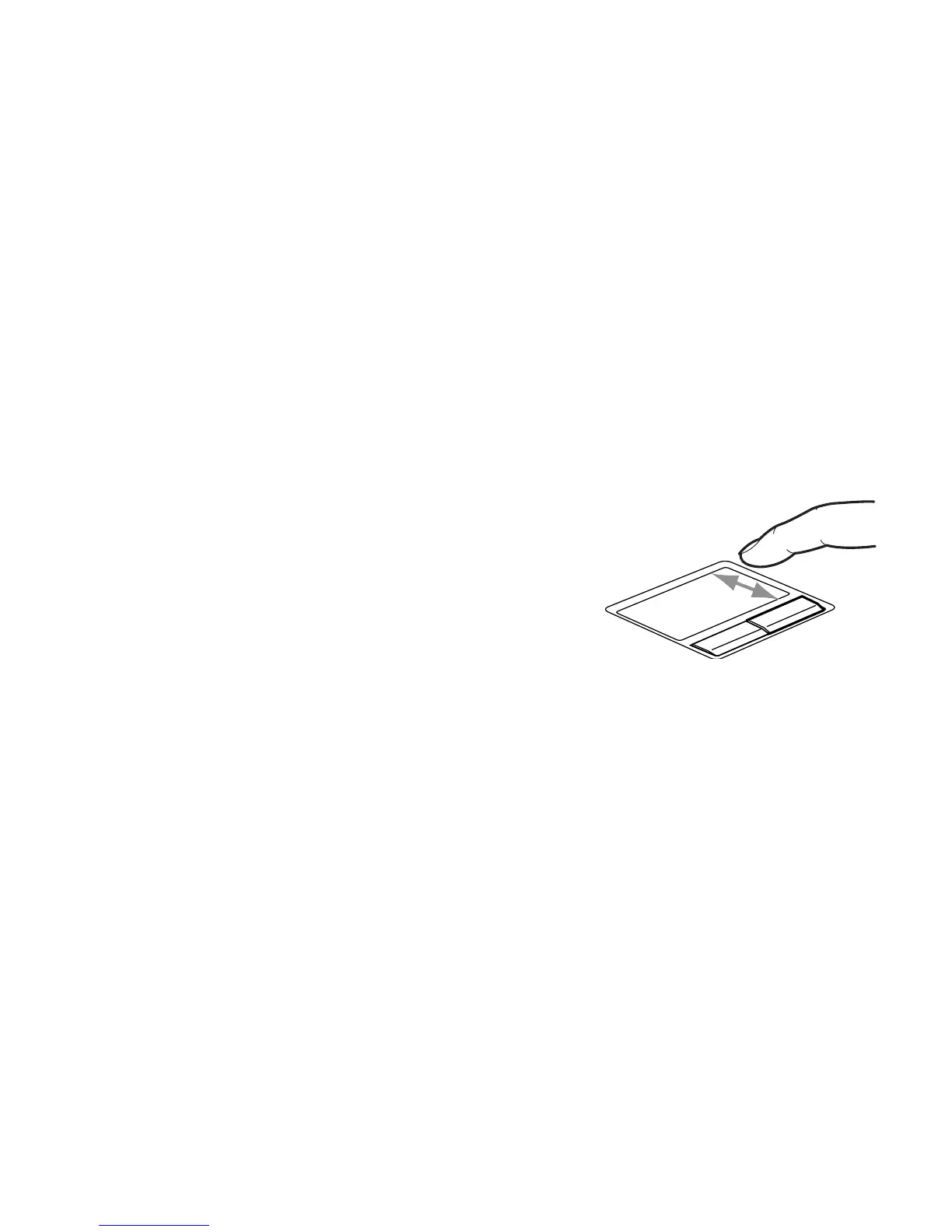
Using the scroll sensor allows you to navigate vertically
through a document quickly without using the window’s
scroll bars. This is particularly useful when you are
navigating through on-line pages. To scroll, slide your
finger up and down the scroll sensor on the right side of
the cursor control pad. Note that when you are working in
tablet mode, a second scroll sensor is located adjacent to
the display.
Figure 22. Scrolling with the Scroll sensor



 To Next Page
 Loading...











