ServerView Event Manager 51
Alarm rules
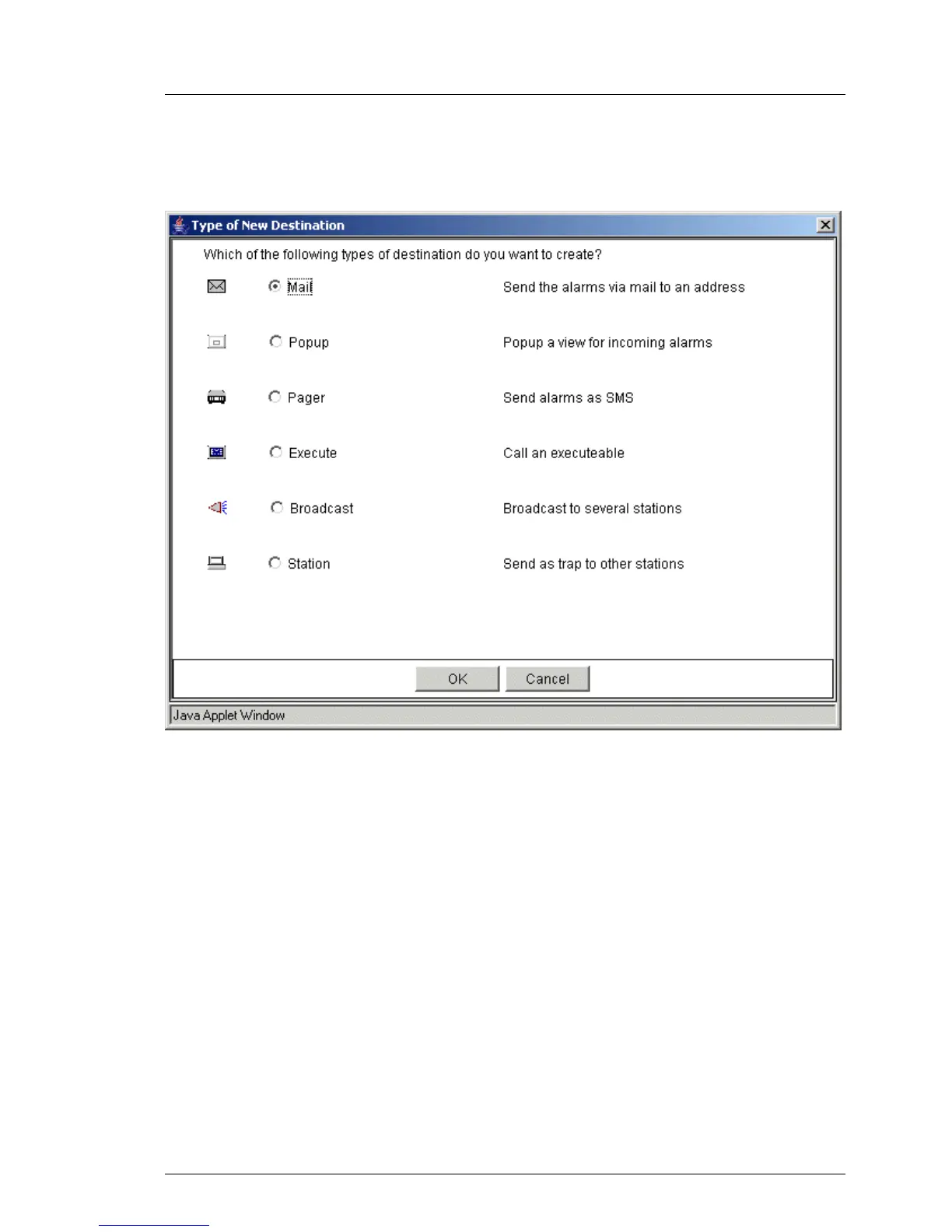
By clicking the Add button you can define a new destination. The following
window opens showing the available destinations.
Figure 10: Type of New Destination
Clicking OK opens additional windows, depending on your selection, in which
you must make further settings. There, via different tabs, you can define all the
parameters necessary for forwarding. A detailed description of the various
windows is available via the respective Help buttons. More information on the
individual windows is provided in the later sections describing the respective
forwarding actions and settings on page 57.



 To Next Page