125
CHAPTER2 Dependence Functions
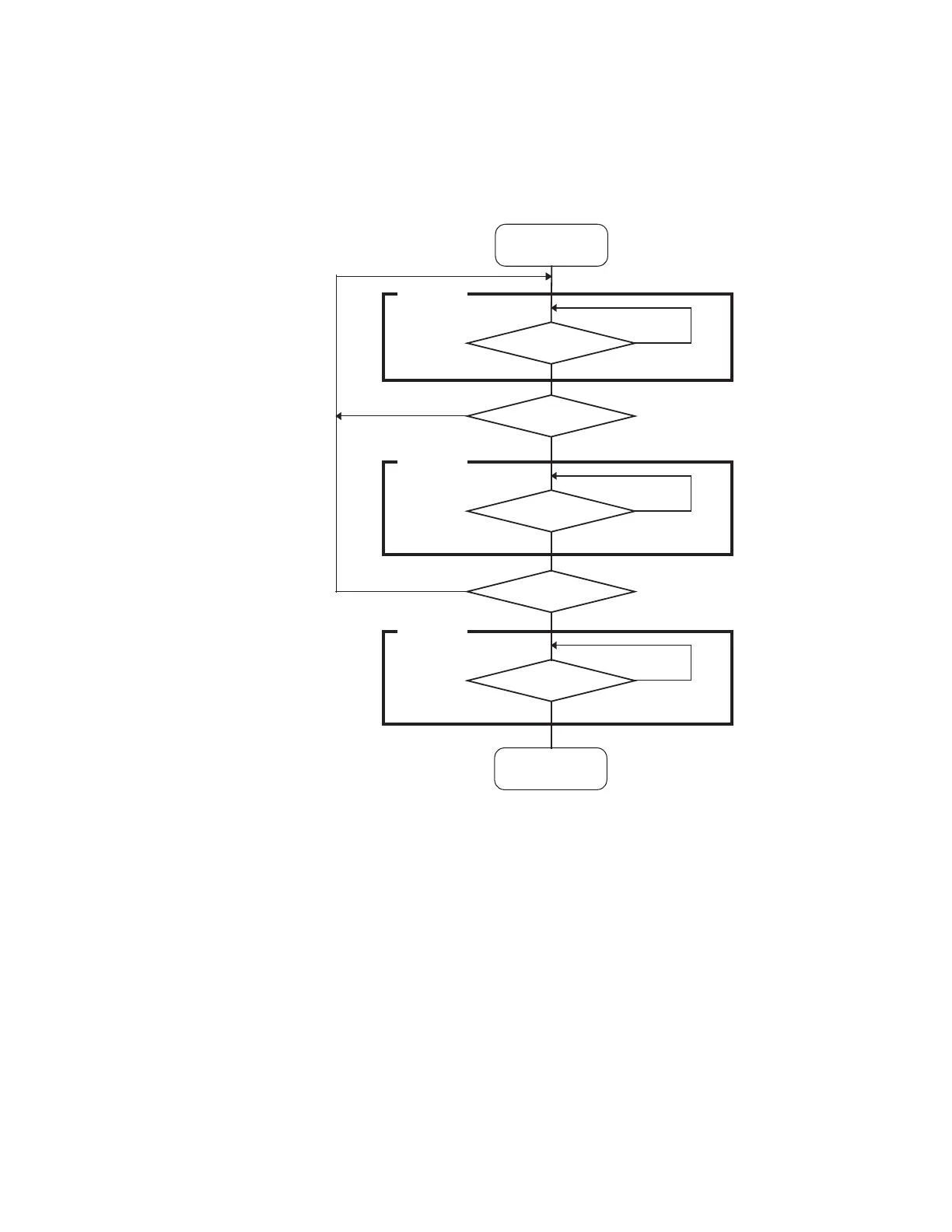
The sequencer operates as shown below when it uses the real-time monitoring bus interface:
[Setup Example]
>SET SEQUENCE 1.3.2, r=4
Events 1, 3, and 2 are specified respectively for Levels 1, 2, and 3. Event 4 is specified as a restart
condition.
■ Setting Sequencer
The sequencer can be set by the dialog or the command.
● Setting by dialog
Select [Debug] - [Sequence] menu.
For details, refer to "4.6.6 Sequence" in "SOFTUNE Workbench Operation Manual".
● Setting by Command
1. The event is set according to the SET EVENT command.
2. The event set by the SET SEQUENCE command is set as a sequence.
For details, refer to "3.15 SET EVENT" or "3.31 SET SEQUENCE (type2)" in "SOFTUNE Workbench
Command Reference Manual".



 To Next Page