152
CHAPTER2 Dependence Functions
2.4.1.1 Power-on Reset
This section describes how to issue the power-on reset.
■ Issuing the Power-on Reset
To start the emulator debugger (MB2100-01), enable the DEBUG I/F. For details of DEBUG I/F, refer to
the Hardware Manual for the product type you are using.
For the emulator debugger (MB2100-01), the power-on reset is recommended.
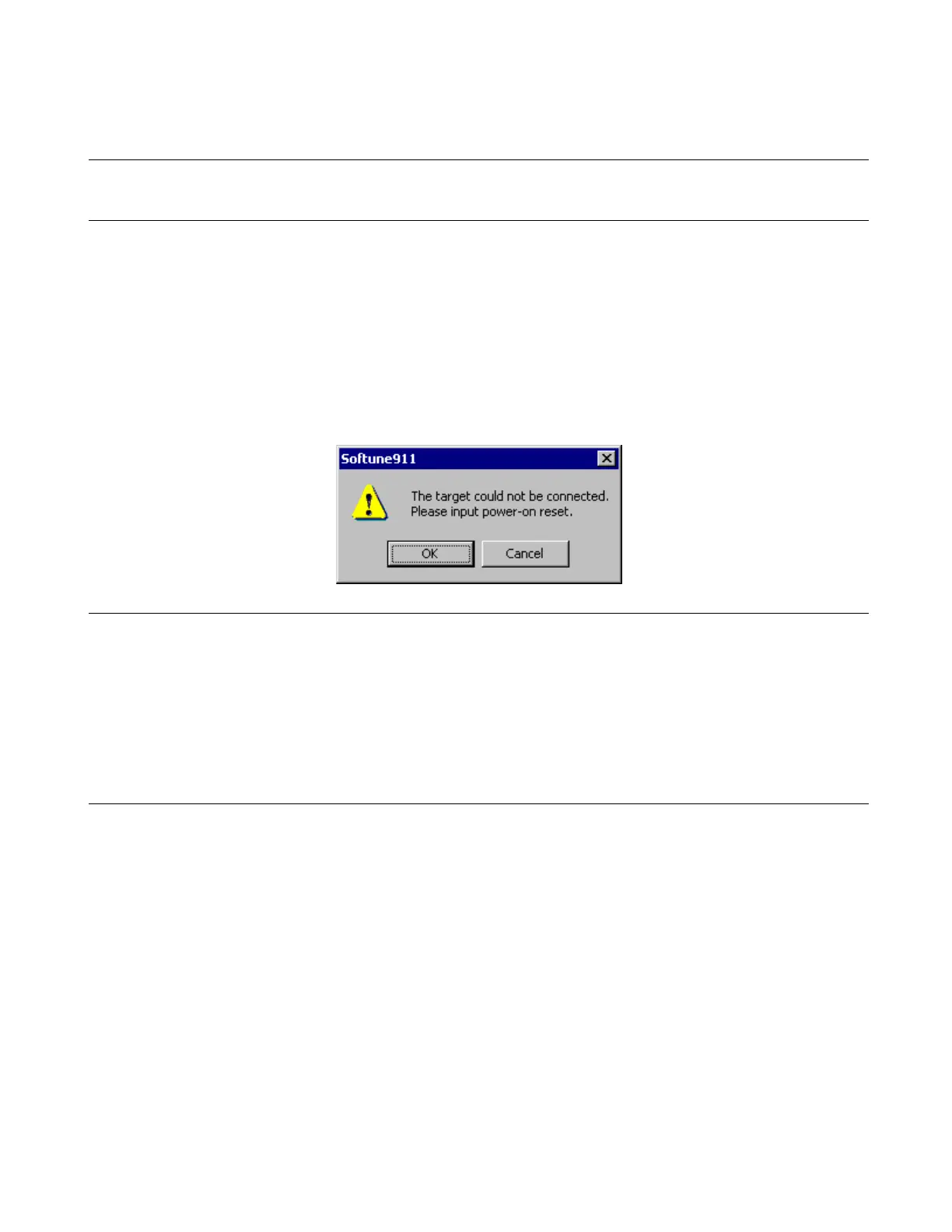
When the dialog of Figure 2.4-1 is displayed while debugging starts, DEBUG I/F is disabled. Issue the
power-on reset. For details of issuing the power-on reset, refer to the Hardware Manual for the product type
you are using.
Figure 2.4-1 Message Prompting Power-on Reset
Notes:
• When the reference frequency of communication speed set when the debugger starts is incorrect,
the following problems occur.
- The DEBUG I/F in the enable state cannot be recognized.
- While the power-on reset has been issued, the DEBUG I/F cannot be enabled.
• To enable DEBUG I/F without using the power-on reset, refer to the Hardware Manual for the
product type you are using.



 To Next Page