138
CHAPTER2 Dependence Functions
■ Setting Events
Set events using the SET EVENT command.
The starting/ending point of time measurement and points to measure pass count are specified by events.
Events at 4 points (1 to 4) can be set. However, in the performance measurement, the intervals, starting
event number and ending event number are fixed in the following combination.
-Measuring Time
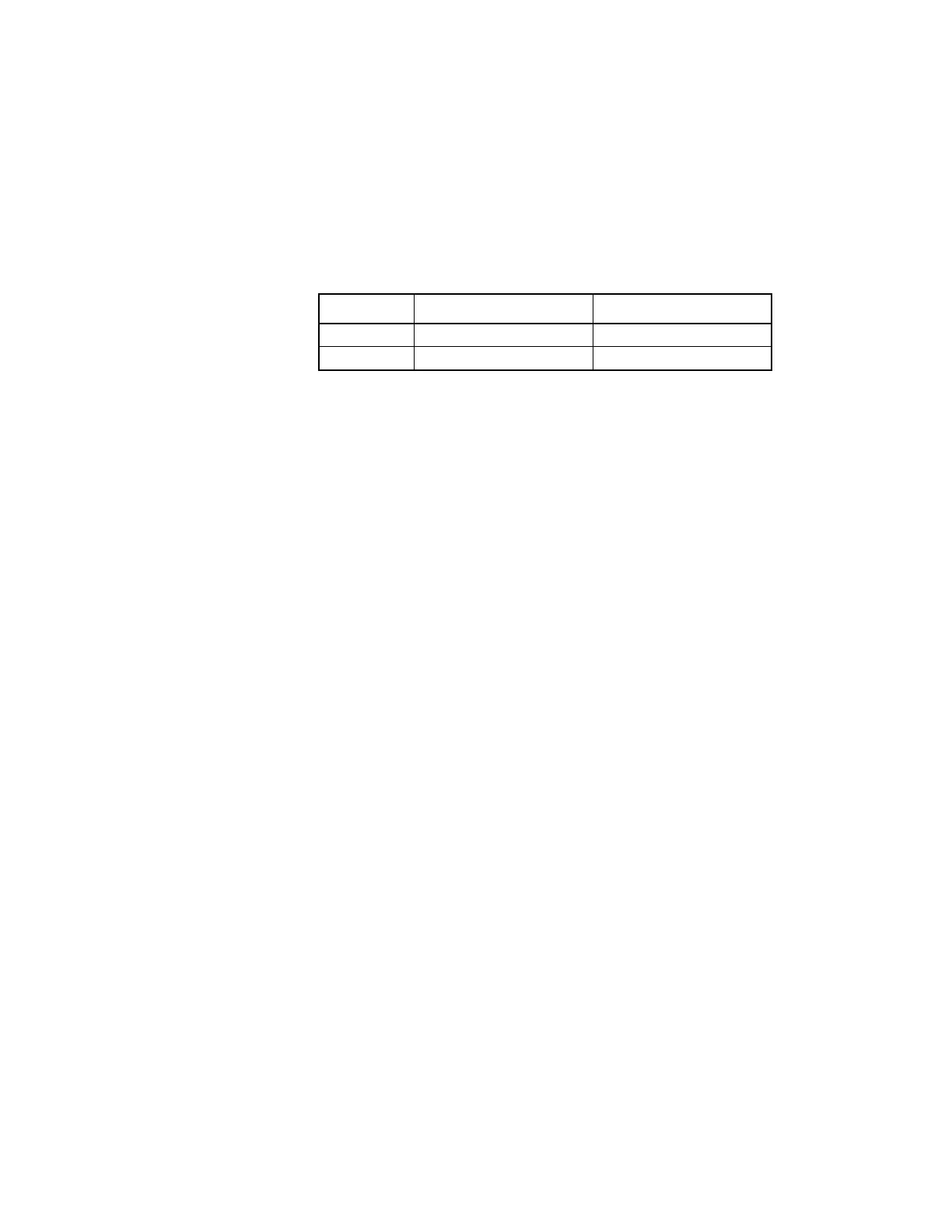
Two intervals have the following fixed event number combination.
- Measuring Count
The specified events become performance measurement points automatically.
■ Executing Program
Start measuring when executing a program by using the GO or CALL command. If a break occurs during
interval time measurement, the data for this specific interval is discarded.
■ Displaying Performance Measurement Data
Display performance measurement data by using the SHOW PERFORMANCE command.
■ Clearing Performance Measurement Data
Clear performance measurement data by using the CLEAR PERFORMANCE command.
[Example]
>CLEAR PERFORMANC
>
Interval Starting Event Number Ending Even Number
11 2
23 4



 To Next Page