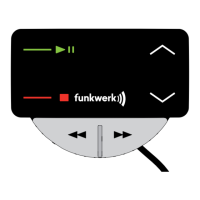
→ The key is used to increase volume during a phone call and during music playback. This key can
also be used to navigate the menu and speller.
Functions in brief: increase volume, navigate menu and speller, end screensaver
→ The key is used to decrease volume during a phone call and during music playback. This key can
also be used to navigate the menu and speller.
Functions in brief: Reduce volume, navigate menu and speller, end screensaver
NOTE: The EGO FLASH features a screen saver. After 60 seconds of inactivity, the display automatically switches off.
Pressing any key will switch the display back on. Pressing a key in this case does not perform any function, but merely
switches the display back on.
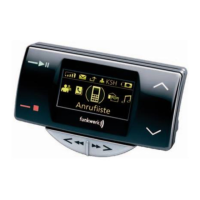
7.2.2 Symbols in the status bar
Field strength symbol – indicates the
current strength of the reception fi eld
SMS symbol – indicates text messages
received
Arrow symbol – indicates missed calls
Indicates the user’s initials
Battery symbol – indicates the battery
capacity of the mobile phone
FWD
EGO FLASH


 To Next Page