5. CUSTOMIZING YOUR UNIT
5-22
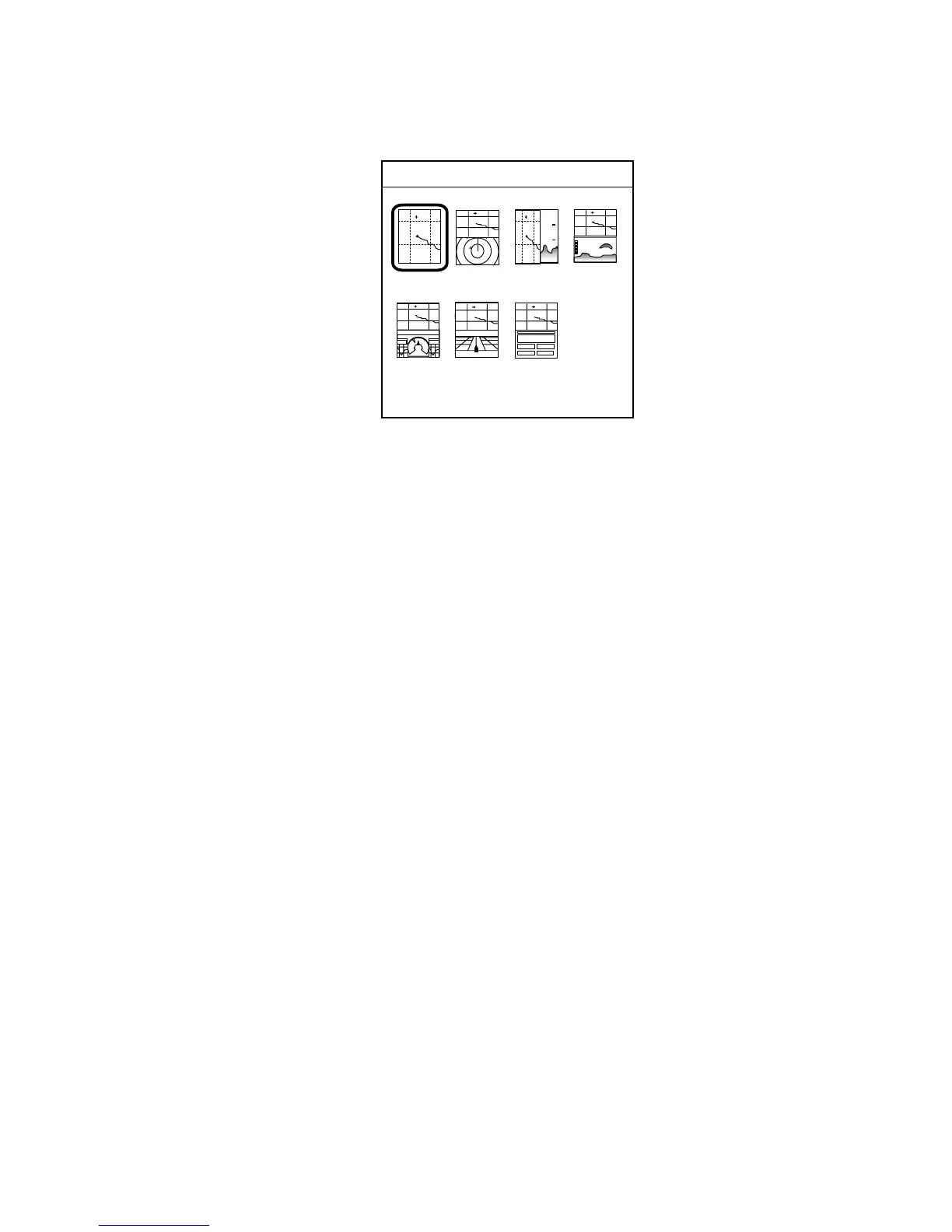
3. Rotate the [ENTER] knob to select the full-screen picture desired and push
the [ENTER] knob. A set of combination screens, corresponding to the
full-screen selected, appears.
10
20
-
-
-
-
-
-
-
-
HOT PAGE 1
Combination screen selection window
4. Rotate the [ENTER] knob to select the full screen or combination screen
desired and push it to set.



 To Next Page