8. MAINTENANCE, TROUBLESHOOTING
8-9
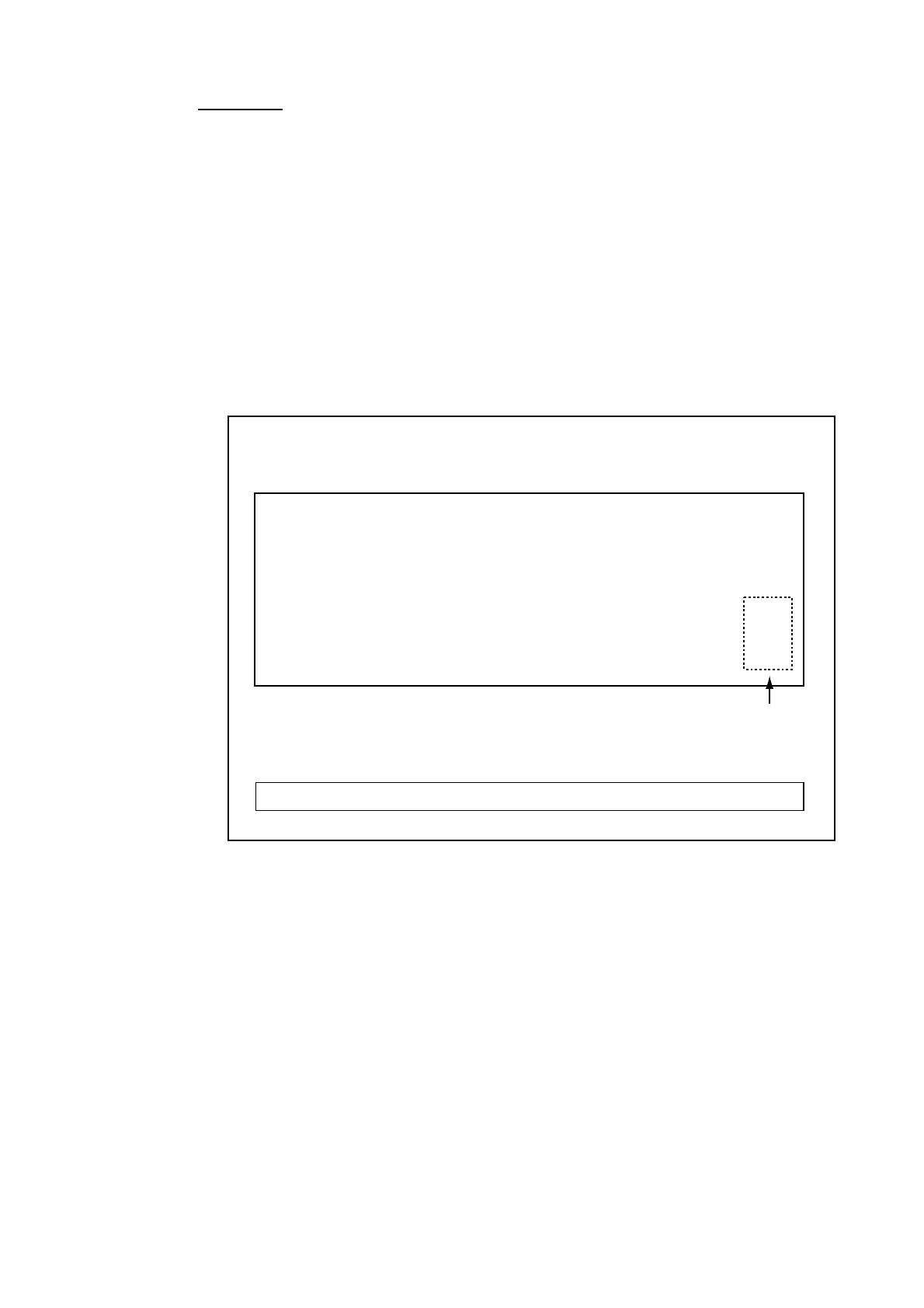
Panel test
The panel test checks the controls on the control unit for proper operation.
1. Press a key. If the key is normal, “1” is shown at the key’s on-screen location
when the key is pressed; “0” when it is released. (The POWER switch cannot
be checked.)
2. Operate the TILT lever. If the lever is normal, “1” appears when increasing
the tilt angle, “2” when decreasing the tilt angle and “0” when the lever is
released.
3. Operate the trackball. Its X-Y coordinate changes with trackball rotation. The
coordinates are “0” until the trackball is operated.
4. Operate the [GAIN] and [RANGE] controls. The on-screen indication is “-1”
with counterclockwise rotation and “1” with clockwise rotation.
Trackball position in
X-Y coordinate
00
00
00
00
00
00
X=0
Y=00
0
0
0
00
0
PANEL TEST
PRESS [MENU] KEY TO EXIT
Panel test



 To Next Page
 Loading...







