19-1
19. RECORDING FUNCTIONS
The chart radar records various voyage-related items like movement and position of
own ship and dangerous radar targets (from Radar). These items are recorded in the
following logs:
19.1 How to Record User, Position Events
This equipment can save/show a maximum of 2,000 events.
19.1.1 User events
A user event is a comment about an event
(weather, etc.). You can show user events on the
chart area. Open the [Tracking] page of the
[Symbol Display] menu show or hide the events.
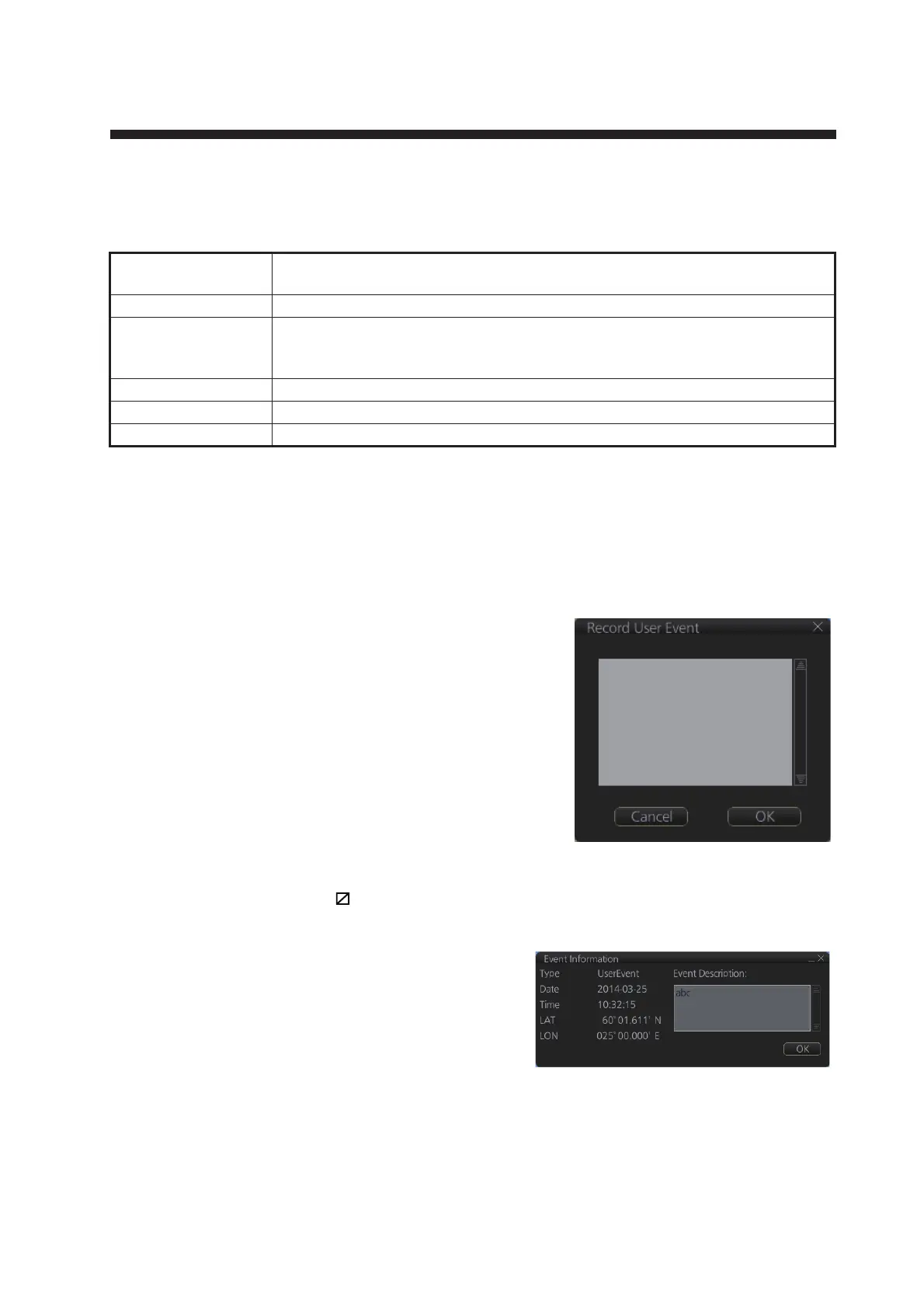
To record a user event:
1. Get into the Navigational or Voyage planning
mode then click the [Log], [Event Log] and
[User Event] buttons on the InstantAccess
bar™ to show the [Record User Event] win-
dow.
2. Enter a comment. Click the [OK] button to finish and close the text box.
An event marker ( ) appears at your position and the event is recorded to the [Voy-
age] log.
To view the comment entered for an event,
put the cursor on the event then left click to
show the [Event Information] window.
Note: The [Event Information] window is
shown with the [CHART for RADAR]
mode.
The window shows the name of the event ([UserEvent]), time and date of entry, lati-
tude and longitude position of the event and comment. Note that the comment can be
edited from this window. Edit the comment then click the [OK] button to save.
Update log: Records the install and update history for the ENC, ARCS and C-MAP charts
(see section 7.13).
Event log: Records user events and position events.
NAV log: Records entire voyage (i.e., a sailing of a route from first point to the last, also
MOB data), details (position, speed and course every minute), chart usage
(information on charts used for display).
Target log: Records dangerous TT, AIS.
Alert log: Records alerts generated by the system (see section 20.6).
Route transfer log: Records sent and received route-related communications.



 To Next Page