1. OPERATION
8
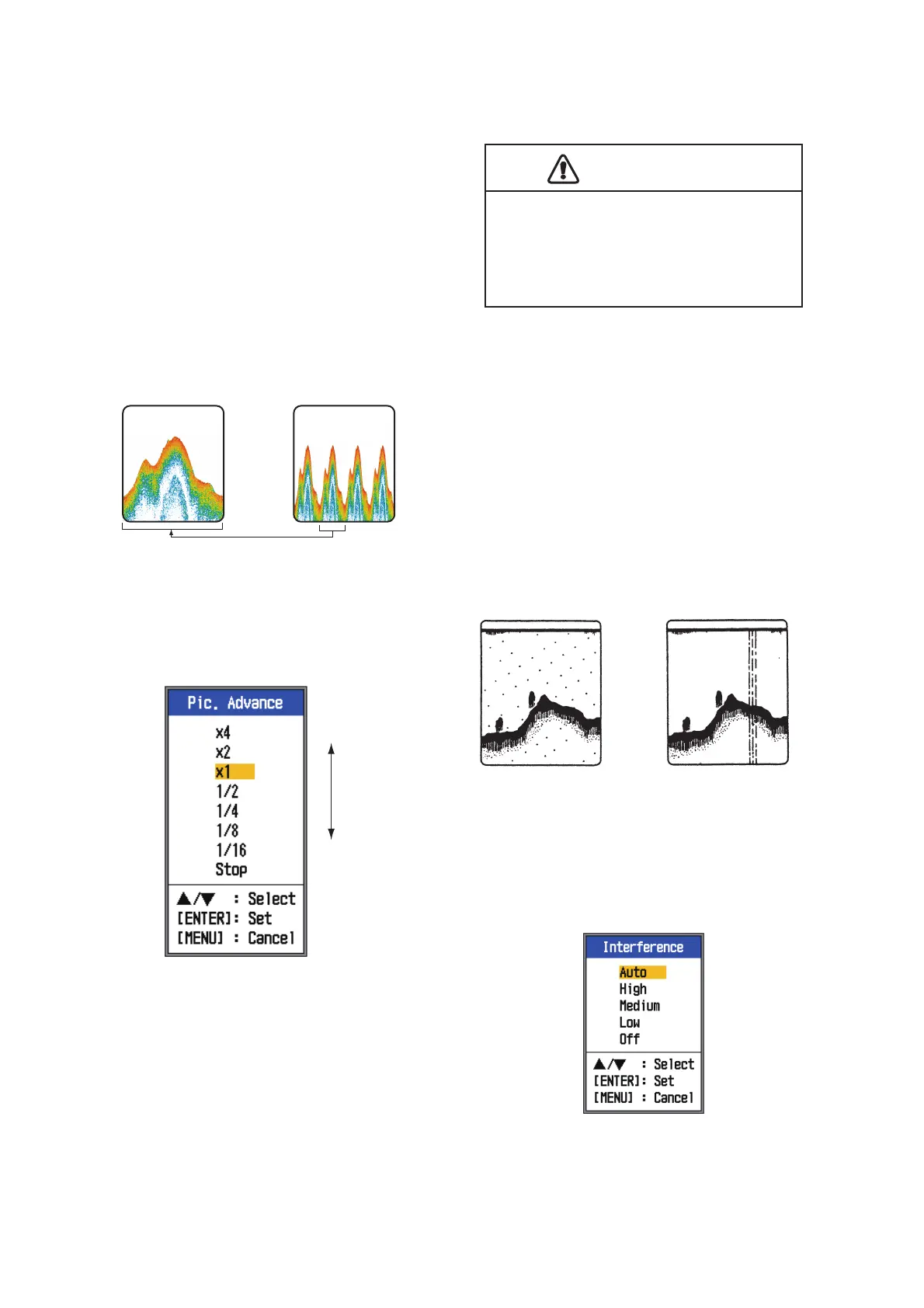
1.10 Picture Advance
Speed
The picture advance speed determines how
quickly the vertical scan lines run across the
screen. When selecting a picture advance
speed, keep in mind that a fast advance
speed will expand the size of a school of fish
horizontally on the screen and a slow ad-
vance speed will contract the school. Use a
fast advance speed to observe a rugged bot-
tom, and use a slow advance speed to moni-
tor a smooth bottom.
1. Open the menu, select [Sounder] and
press the ENTER key.
2. Select [Pic. Advance] and press the EN-
TER key.
3. Select picture advance speed desired
and press the ENTER key. [1/16] is the
slowest speed and [x4] is the fastest
speed. The fractions denote the number
of scan lines produced per transmission.
For example, [1/16] means one scan line
is produced every 16 transmissions.
[Stop] stops picture advancement and is
useful for taking a screenshot. Current
picture advance speed is displayed at the
top-right corner of the screen.
4. Press the MENU ESC key twice to close
the window.
1.11 How to Reduce-
Interference
Interference from other acoustic equipment
operating nearby or other electronic equip-
ment on your boat may show itself on the dis-
play as shown in the figure below. Follow the
procedure below to reduce interference.
1. Open the menu, select [Sounder] and
press the ENTER key.
2. Select [Interference] and press the EN-
TER key.
Fast
Slow
Fast
Slow
CAUTION
The picture is not refreshed when
picture advancement is stopped.
Maneuvering the vessel in this condition
may result in a dangerous situation.
Interference from
other sounder
Electrical interference



 To Next Page