2. SYSTEM MENU
20
[Zero Line Rejector]: Turn the zero line
(transmission line) on or off. When turned on,
the transmission line disappears, which al-
lows you to see fish echoes near the surface
clearly. The length of the transmission line
changes with transducer used and installation
characteristics. If the width of the transmis-
sion line is 4.5 ft (default value) or more, set
the transmission line width with [Zero Line Ar-
ea], as below.
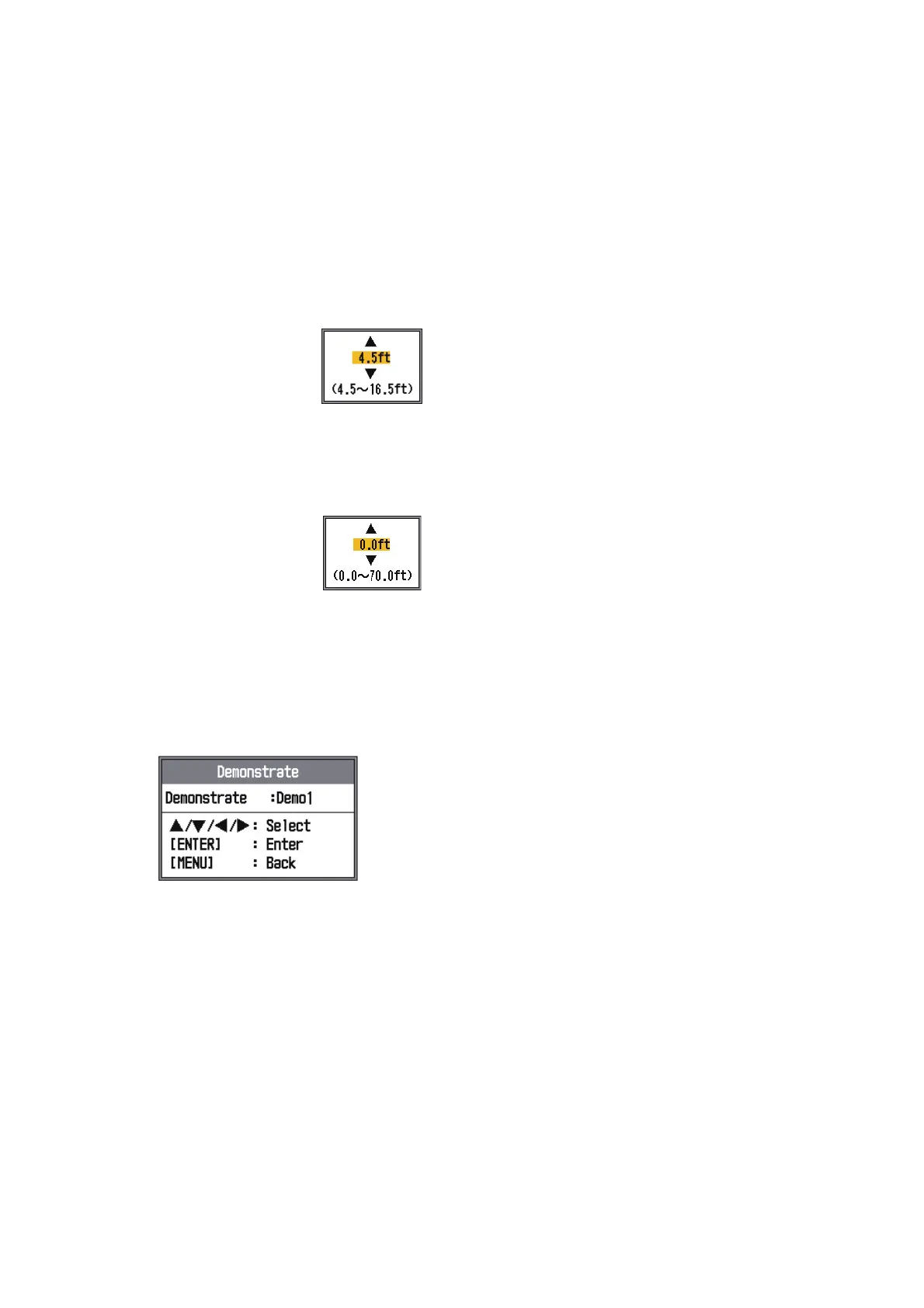
[Zero Line Area]: This fea-
ture adjusts the transmission
line so that the transmission
line disappears when the
menu item [Zero Line Rejec-
tor] is turned on. For a long tail, increase the
value. If the transmission line does not disap-
pear, lower the TX power.
[Bottom Detect]: In some in-
stallations the tail of the TX
line or the echo afterglow can
be mistaken for the bottom
echo. If this occurs, raise this
setting to solve the problem. Too low a setting
may prevent display of the bottom echo.
2.7 Demo Menu
[Demonstrate]: The demonstration mode
provides, without connection of the transduc-
er, simulated operation of the equipment, us-
ing internally generated echoes. All controls
are operative. The message [DEMO] appears
at the bottom center of the screen when the
demonstration mode is active.
• [Off]: Deactivate the demonstration mode.
• [Demo1]: Shallow depth demonstration.
• [Demo2]: Deep depth demonstration.



 To Next Page