7. FISH FINDER OPERATIONS
7-11
7.8 Picture Advance Speed
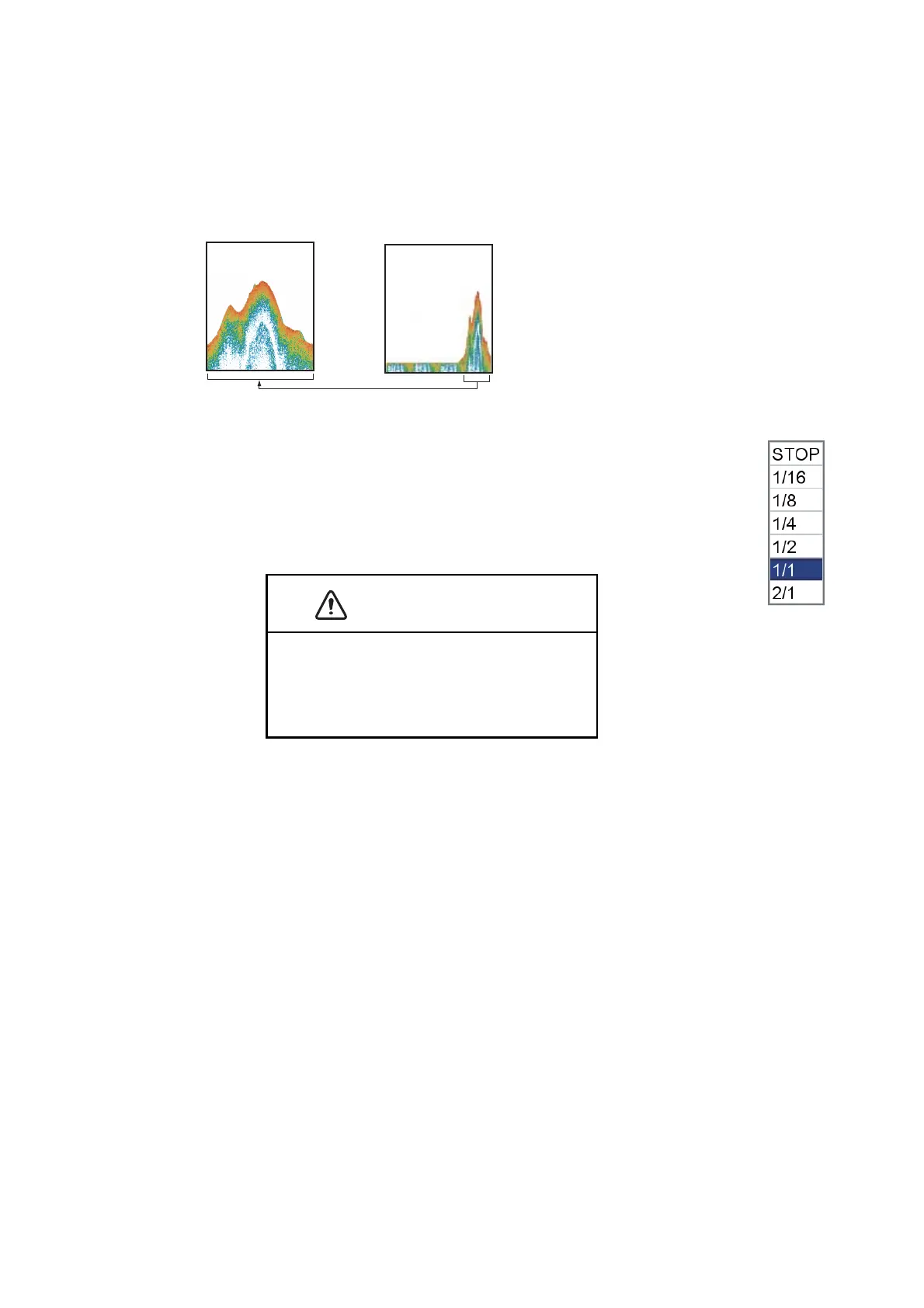
The picture advance speed controls how quickly the vertical scan lines move across
the screen. A fast advance speed expands the size of a school of fish horizontally on
the screen. A slow advance speed shortens the school of fish. Use a fast advance
speed to see the hard bottom. Use a slow advance speed to see the smooth bottom.
1. Open the [FISH FINDER] menu and select [PICTURE ADVANCE].
2. Select a picture advance speed. The options in the window indicate the
number of scan lines made per transmission. For example, [1/2]
creates one scan line per two transmissions. [1/16] is the slowest ad-
vance speed and [2/1] is the fastest speed. [STOP] stops picture ad-
vance, and is useful for taking a screenshot or photo.
The picture is not refreshed when the pic-
ture advancement is stopped.
Maneuvering the vessel in this condition can
cause grounding.
Fast
Slow



 To Next Page
 Loading...











