12. INSTRUMENT-RELATED DISPLAYS
12-21
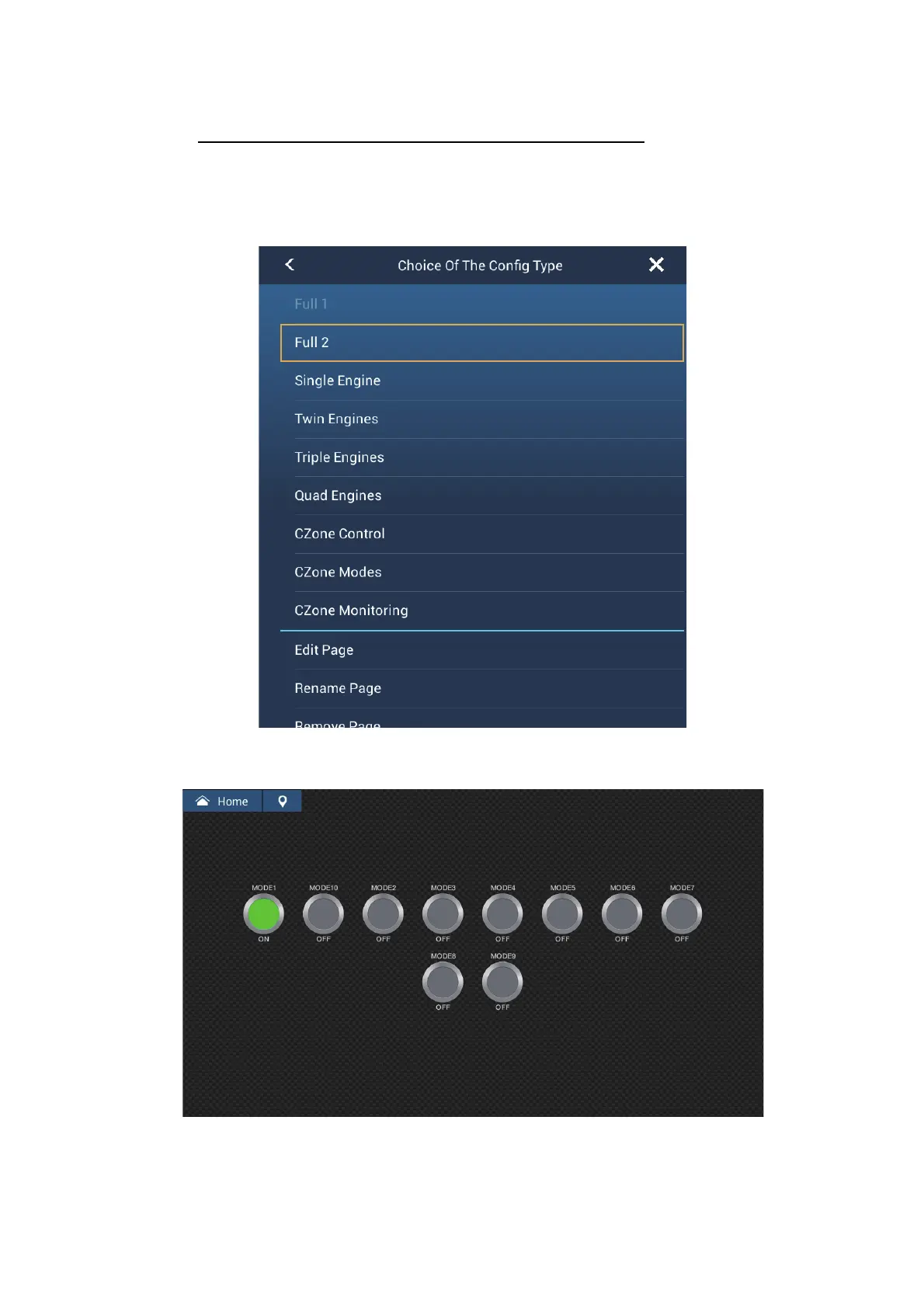
12.2.3 CZone modes
Display and operations from the instruments display
1. On the home screen, tap the instrument display icon. If there is no instrument dis-
play icon, see section 1.8.1 for how to add the icon.
2. Tap the screen to show the following pop-up menu.
3. Tap [CZone Modes] to show the following screen. Tap the [ON], [OFF] button to
operate a CZone equipment.













 To Next Page