12. INSTRUMENT-RELATED DISPLAYS
12-22
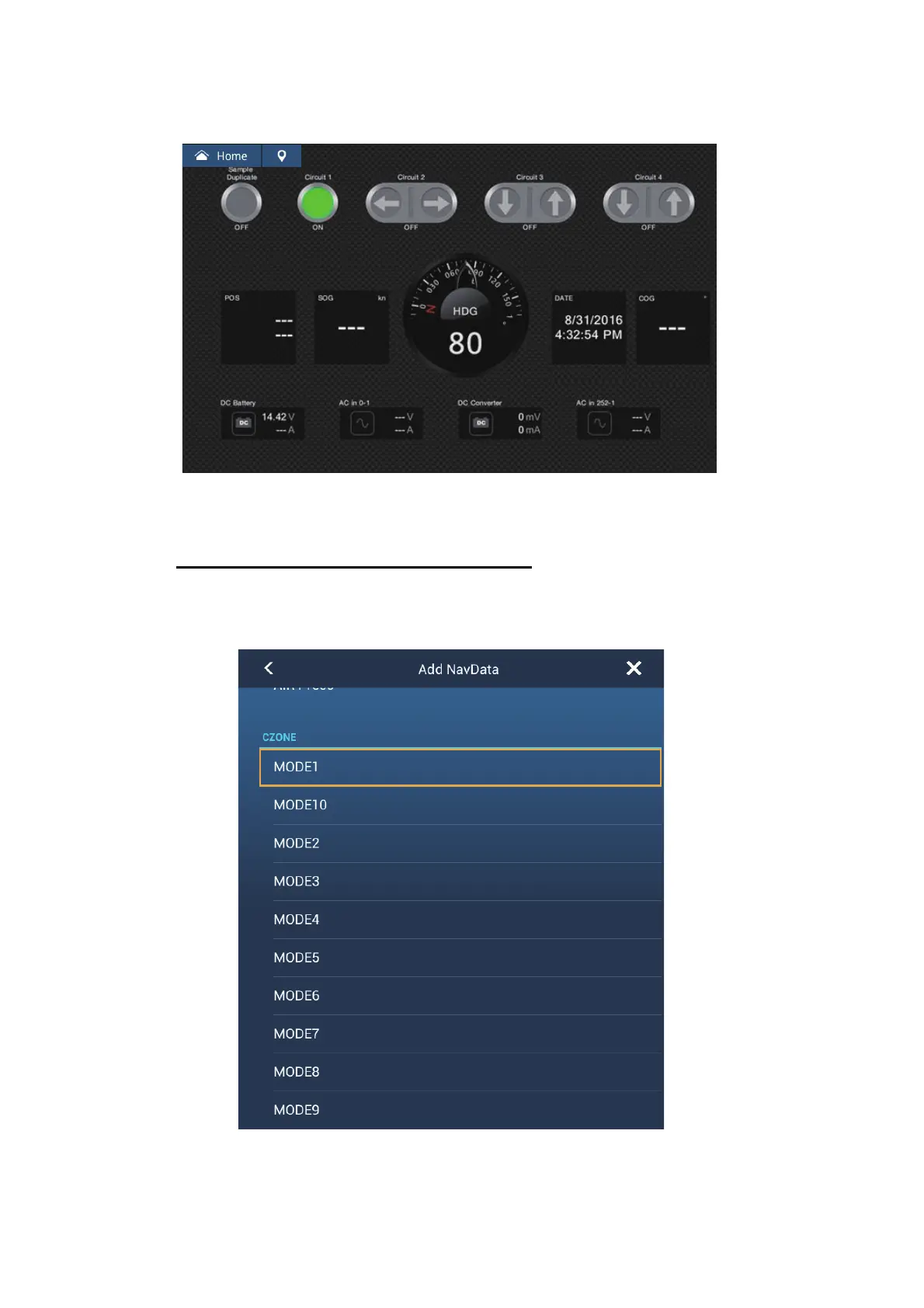
You can customize the CZone Control, CZone Modes and CZone monitoring
screens. See section 12.1.4.
Customized screen (example)
4. Tap the X button on the title bar to close the menu.
Display and operations from the data area
1. Show the data area.
2. Tap a vacant area in the data area to show the [Add Nav Data] menu.













 To Next Page