4. Operating System and Equipment
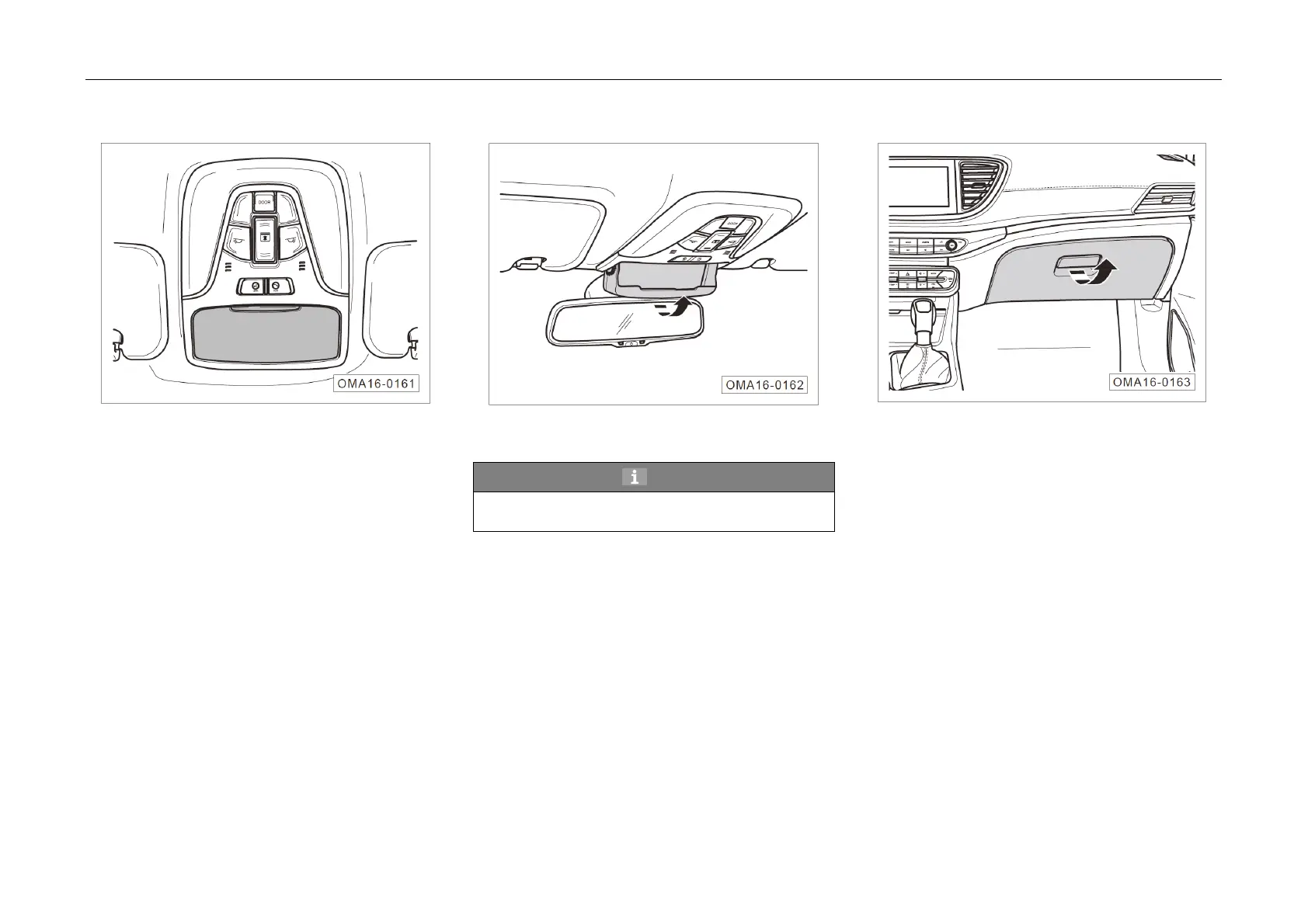
Glasses Ca
se
– Press the glasses case to open it gradually.
– Push back the glasses case in the direction
of the arrow until it clicks to close it.
Hint
Small articles such as sunglasses may be
placed in the glasses case.
Glove Box
– Pull
the opening handle in direction of the
arrow to open the glove box.
– Push back the glove box until it clicks to close
it.



 To Next Page