4. Operating System and Equipment
4.7.8 Sy
stem
Setti
ng
You
can enter the system setup interface by
the following ways:
- Click “SET” soft button on card mode main
interface to enter the system setting interface.
- Continuously short press the SET button on
the control panel to enter the system setting
interface.
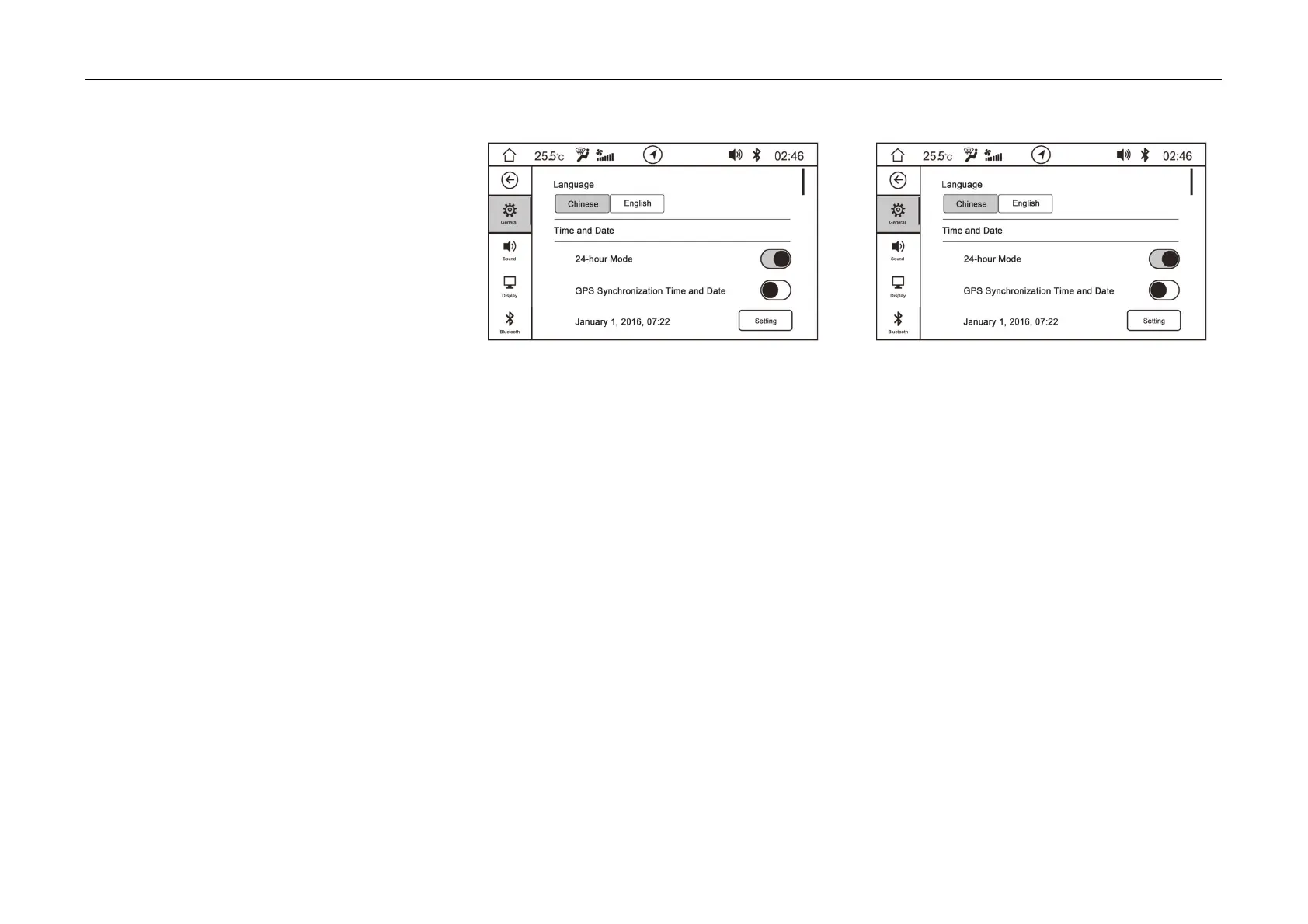
- On the system
setting interface, it can make
setting on “general, sound, display, Bluetooth
and factory reset”.
- Pull up and down the soft button column on
the left side, and cli
ck the
soft button to enter
the corresponding setting interface.
General Setting
It can set display language,
time and date and
phone priority connection on this interface.



 To Next Page