4. Operating System and Equipment
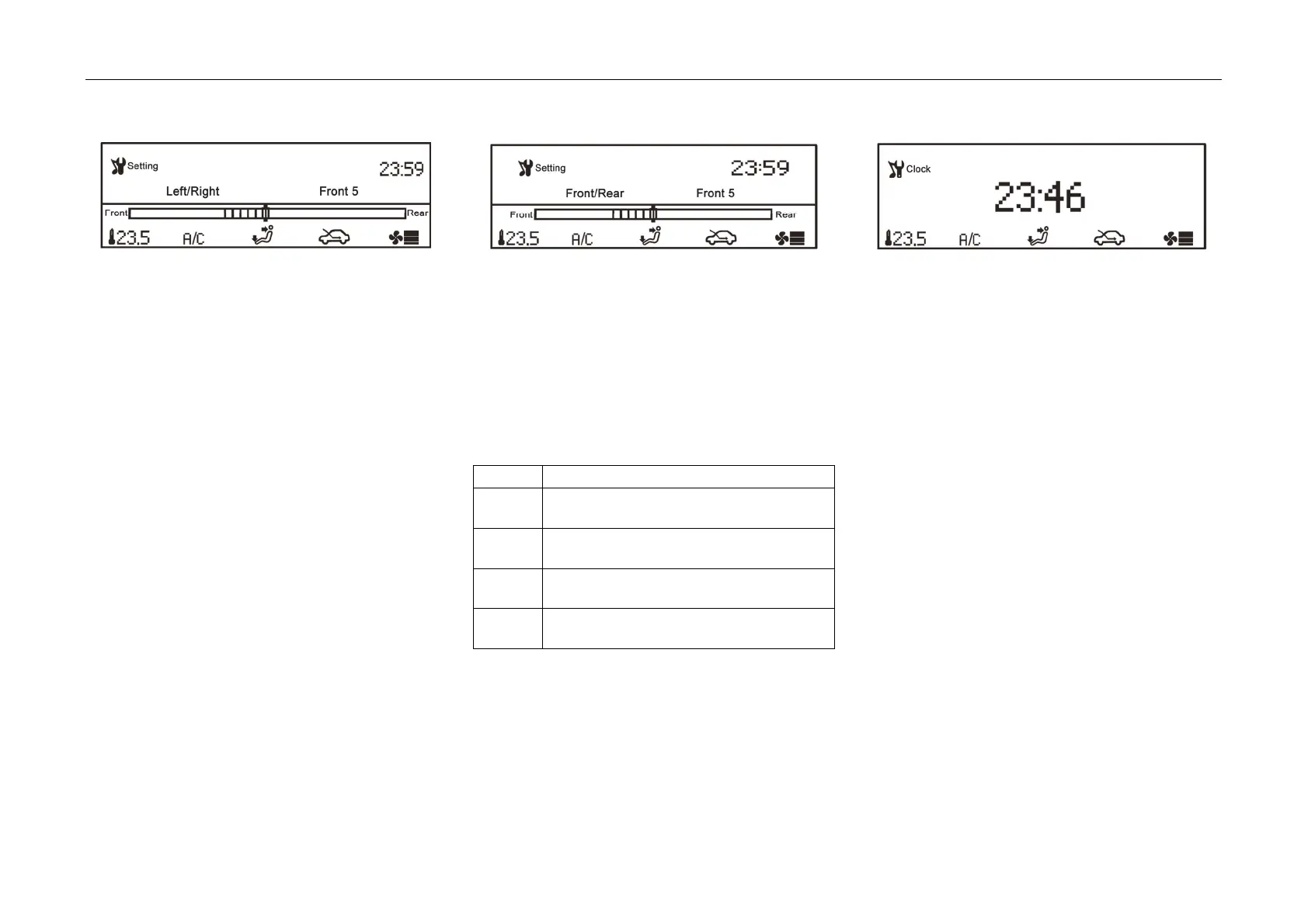
FAD Setting
*
- Select
"FAD", and then short press "SEL" to
enter FAD setting interface to adjust the output
position of sound. Setting range: front 15 ~
rear 15.
- Turn "SEL" to set and short press "SEL" to
confirm.
Vehicle Speed Volume Compensation Setting
- Select
"Vehicle Speed Volume Compensation",
and then short press "SEL" to enter vehicle
speed volume compensation setting interface
to set "off, low, moderate and high".
- Turn "SEL" to select and short press "SEL" to
confirm.
- The output volume performs automatic
adjustment along with the speed change. The
state table of volume along with speed is as
follows:
Status Volume Change
OFF
The sound will not be changed with the
speed
Low
The sound will be changed with the
speed at a low degree
Medium
The sound will be changed with the
speed at a medium degree
High
The sound will be changed with the
speed at a great degree
Clock Settin
g
- Select
"Clock", and then short press "SEL" to
enter the clock setting interface to set the time.
- Turn "SEL" to set and short press "SEL" to
confirm.



 To Next Page