5. Driving Guide
"L" Gear (DRIVE Gear) (Apply
to 4AT Model):
Press the unlock button at the front end of the
shift lever to switch from "2" gear to "L" gear.
After the shift lever is switched to "L" gear, the
transmission will downshift to a lower gear
according to resistance change (e.g. pulling, uphill
driving), and the engine will run at a higher speed
to provide greater power for the car. This is a low
gear and there is only one gear. The gear will not
be switched according to the speed and
accelerator's position.
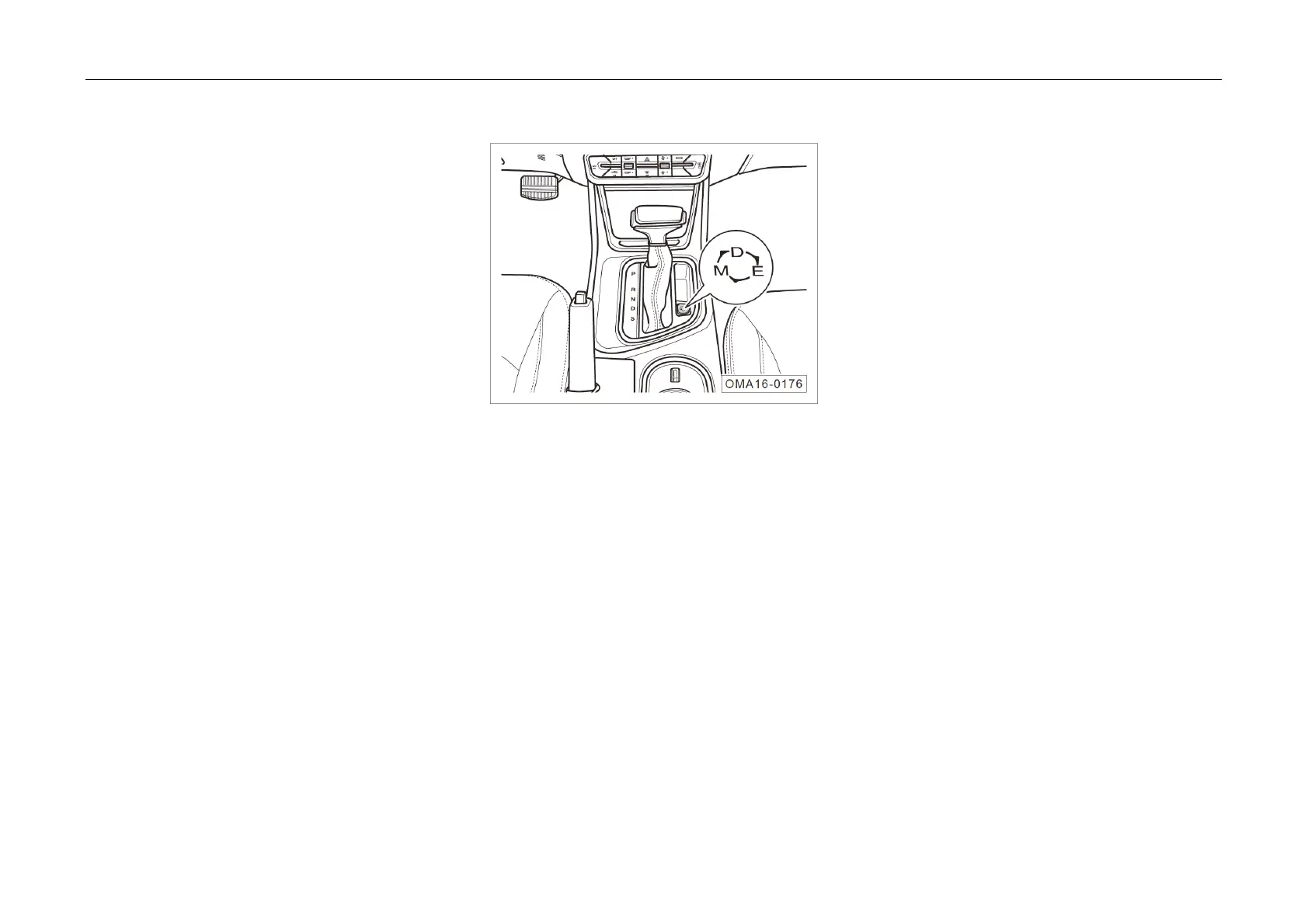
Driving Mode (Apply to 6AT Model):
The tra
nsmission has 3 driving modes. After
switching the Start or Ignition switch to “ON”
position, press the driving mode key on the shift
panel continuously and switch in the modal
sequence of “D→E→M→D……...” repeatedly.
“D” Mode:
In general, the transmission is in the "D" mode
by default, i.e. the normal "D" driving mode.



 To Next Page