6. Usage and Maintenance
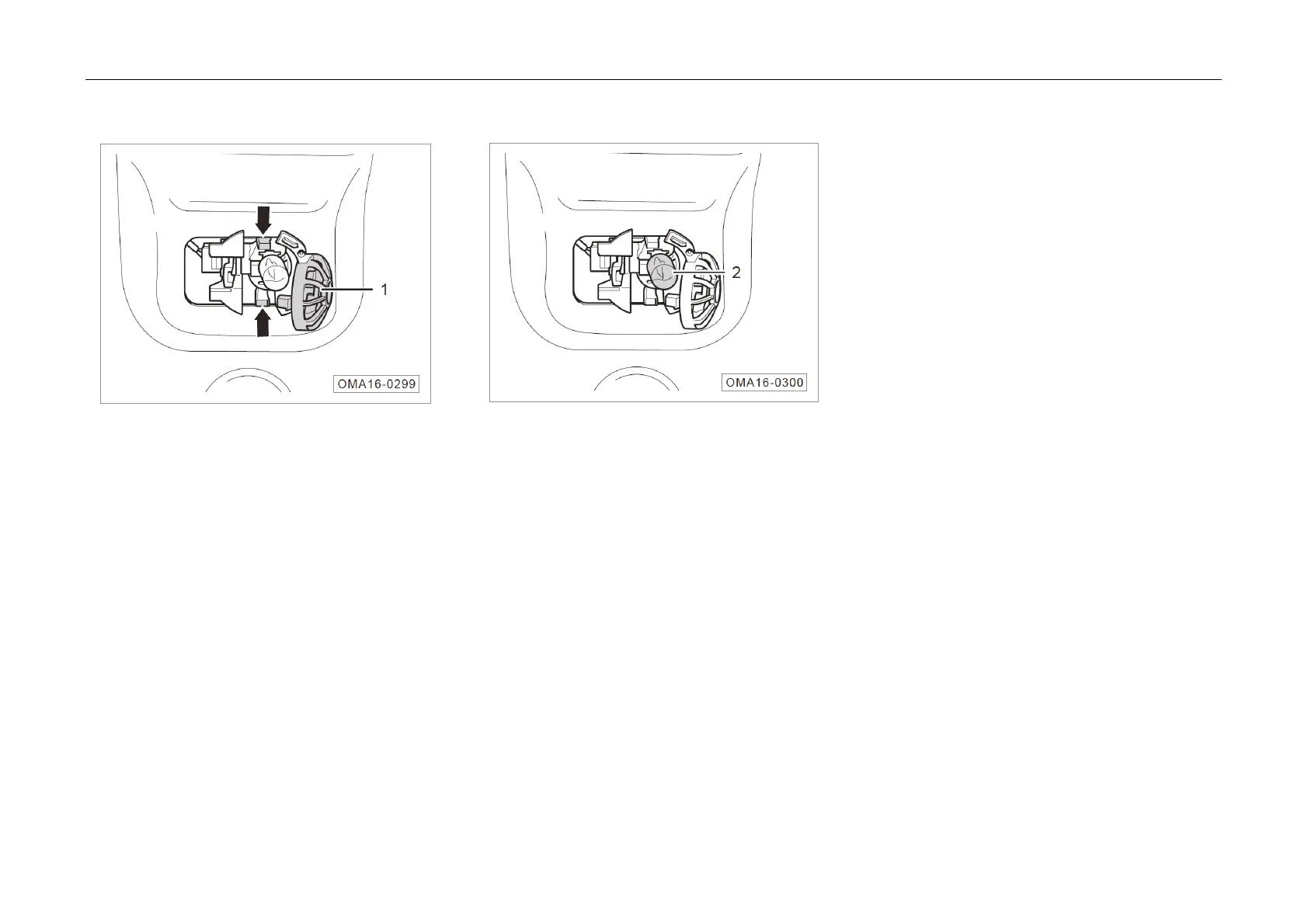
Replacing Tr
unk Light
1. Switch off the Start or Ignition switch.
2. Open the trunk lid.
3. Press the clips of the trunk light cover at the
positions indicated by the arrows and open the
trunk light cover ①.
4. Remove
the trunk light bulb ② from the trunk
light holder.
5. Generally, perform the installation in the
reverse order of removal procedures



 To Next Page