4. Operating System and Equipment
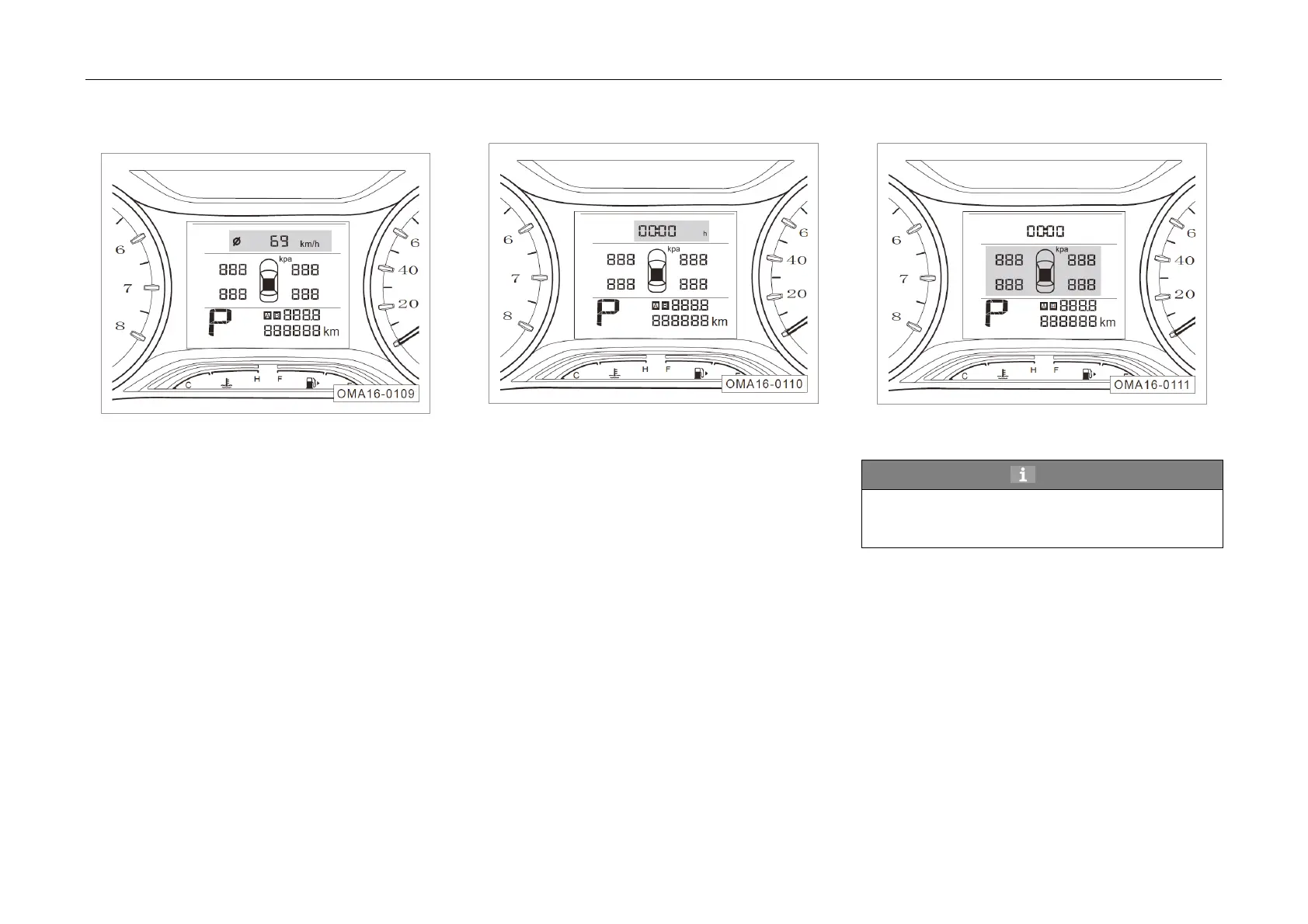
5. Average
speed
Indicate average speed in the past. This
parameter can be reset by pressing DISP button on
the right side of the steering wheel continuously.
6. Travel time
Indicate trav
el time. This parameter can be
reset by pressing DISP button on the right side of
the steering wheel continuously.
7. Tire pressure*
The di
splayed values are the corresponding
pressure of the four tires.
Hint
Indication of tire pressure is dependent upon
vehicle model/ configuration. In case of no such
configuration, no tire pressure data is displayed.



 To Next Page