18
Child lock
The appliance has a childproof lock to prevent children
operating it accidentally.
Notes
‒ You need to set the childproof lock to "available" in
the basic settings (see section entitled 'Basic
settings').
‒ If there is a power cut after the childproof lock has
been activated, the childproof lock may be off when
the power comes back on again.
Activating the child lock
Prerequisite:
The function selector is set to 0.
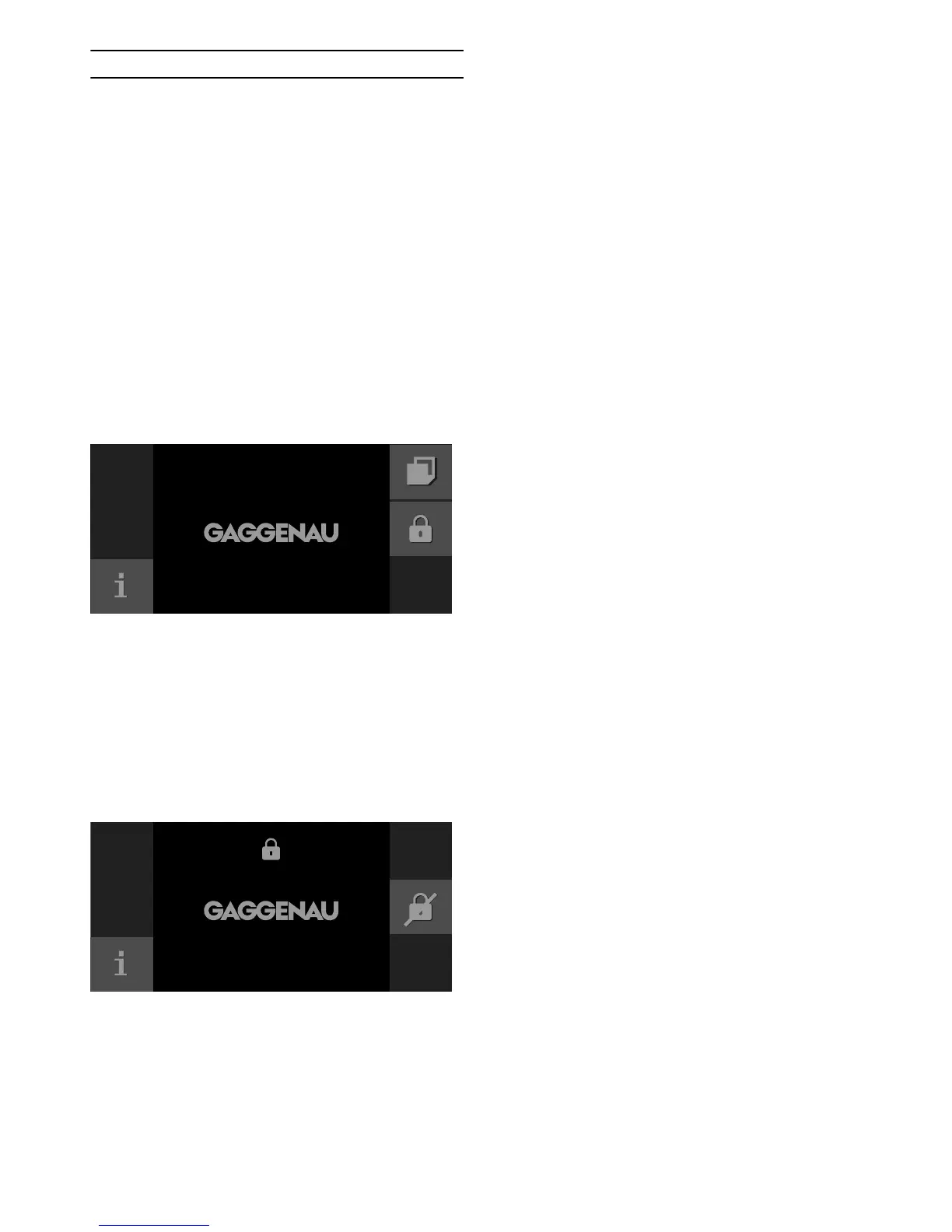
Touch and hold the 0 symbol for at least 6 seconds.
The child lock is activated. The 0 symbol is shown at the
top of the display.
Deactivating the child lock
Prerequisite:
The function selector is set to 0.
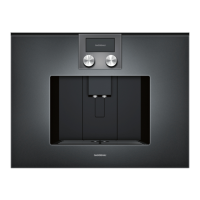
Touch and hold the 1 symbol for at least 6 seconds.
The child lock is deactivated. You can set the appliance
as normal.


 To Next Page